
Emergency Preparedness: Essential Accessories for Your Gadgets
Natural disasters, power outages and unexpected crises can happen with little warning, leaving you without access to electricity, communication or important information stored on your devices. In these moments, your smartphone, tablet or laptop can be a critical lifeline but only if it is charged, protected and accessible when you need it most.
Understanding which accessories to keep in your emergency kit helps ensure your gadgets remain functional when traditional infrastructure fails. This guide covers the most important emergency accessories for phones and devices, from power solutions and protective gear to data backup strategies and practical tips for building a kit that works in real emergencies.
Why emergency preparedness for gadgets matters
Modern smartphones and tablets are far more than communication tools. In an emergency, your phone can provide real‑time weather updates, emergency alerts, GPS navigation, first aid guides, contact with emergency services and a way to let family know you are safe.
Your phone becomes essential for:
- Receiving official emergency alerts and evacuation instructions
- Contacting emergency services when landlines are down
- Tracking family members and coordinating meetups
- Accessing digital copies of important documents (insurance, medical records, IDs)
- Using maps and GPS when road conditions change
- Staying informed through news and social media updates
But all of this depends on your device having power, physical protection and the right accessories to extend its usefulness when you cannot simply plug it into the wall.
Essential power accessories for emergencies
When the power grid fails, your phone’s battery life becomes a countdown clock. Having reliable backup power is the single most important part of gadget emergency preparedness.
High‑capacity power banks
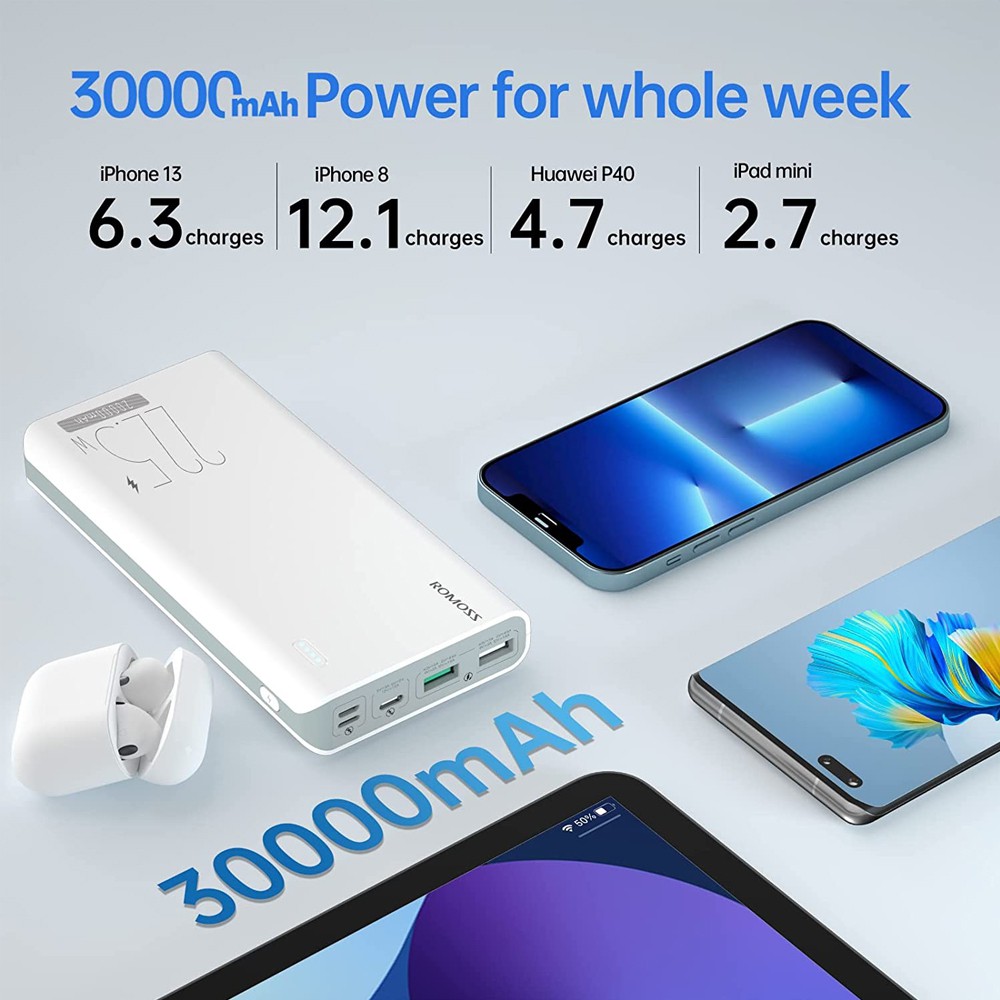
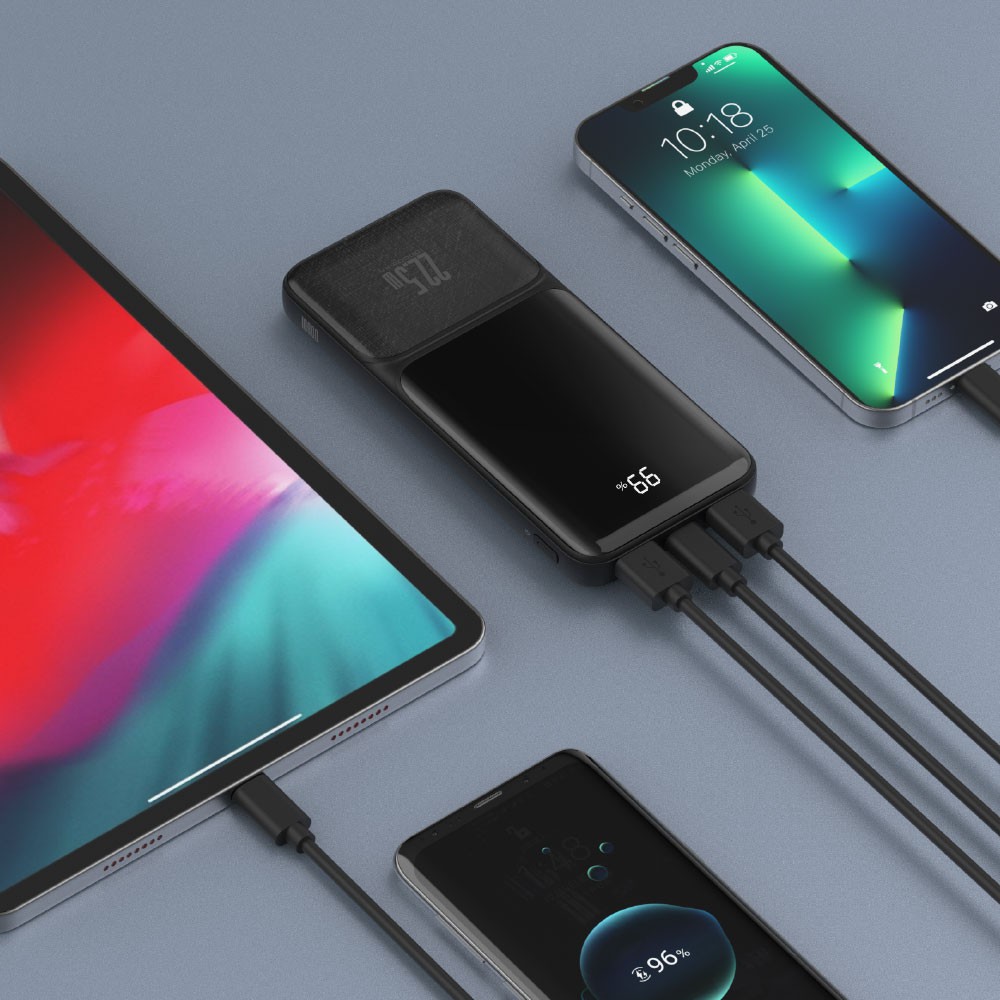
A quality portable power bank can keep your phone, tablet or other USB devices charged for days when you have no access to mains power.
What to look for:
- Capacity of at least 10,000–20,000 mAh to provide multiple full charges for a smartphone
- Higher capacity (20,000–45,000 mAh) if you need to charge laptops, tablets or multiple devices
- Fast charging support (USB‑C Power Delivery or Quick Charge) to minimize charging time
- Multiple output ports so you can charge several devices at once
- Durable, weather‑resistant build for outdoor or rough conditions
Some power banks also include built‑in flashlights, which add another layer of utility in dark emergency situations.
Waterproof cases and pouches
Water damage is one of the most common ways phones fail during emergencies, whether from flooding, rain or accidental submersion.
What to consider:
- Waterproof pouches with floating features prevent phones from sinking if dropped in water
- Many waterproof cases maintain touchscreen functionality even when wet or underwater
- Check seal quality and test the case with paper inside before trusting it with your phone
Waterproof pouches are affordable, portable and work with almost any phone size, making them ideal for emergency kits.
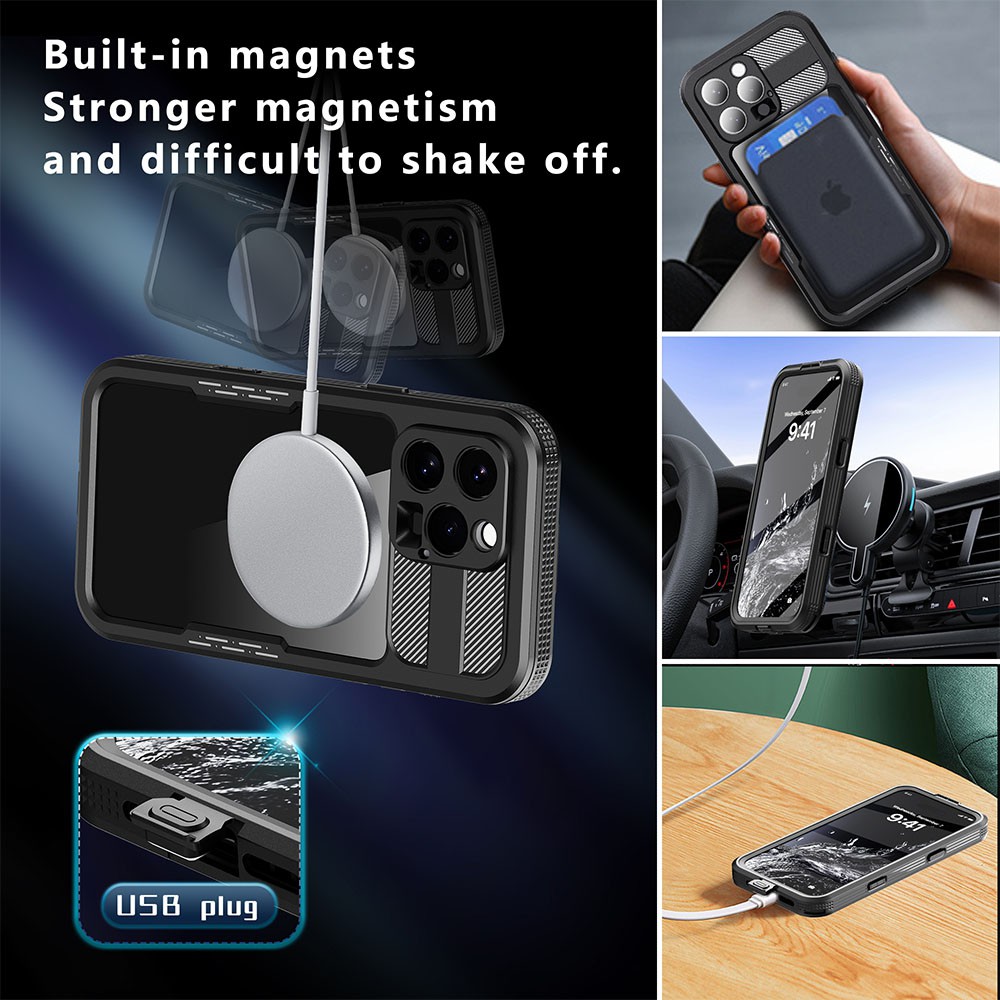
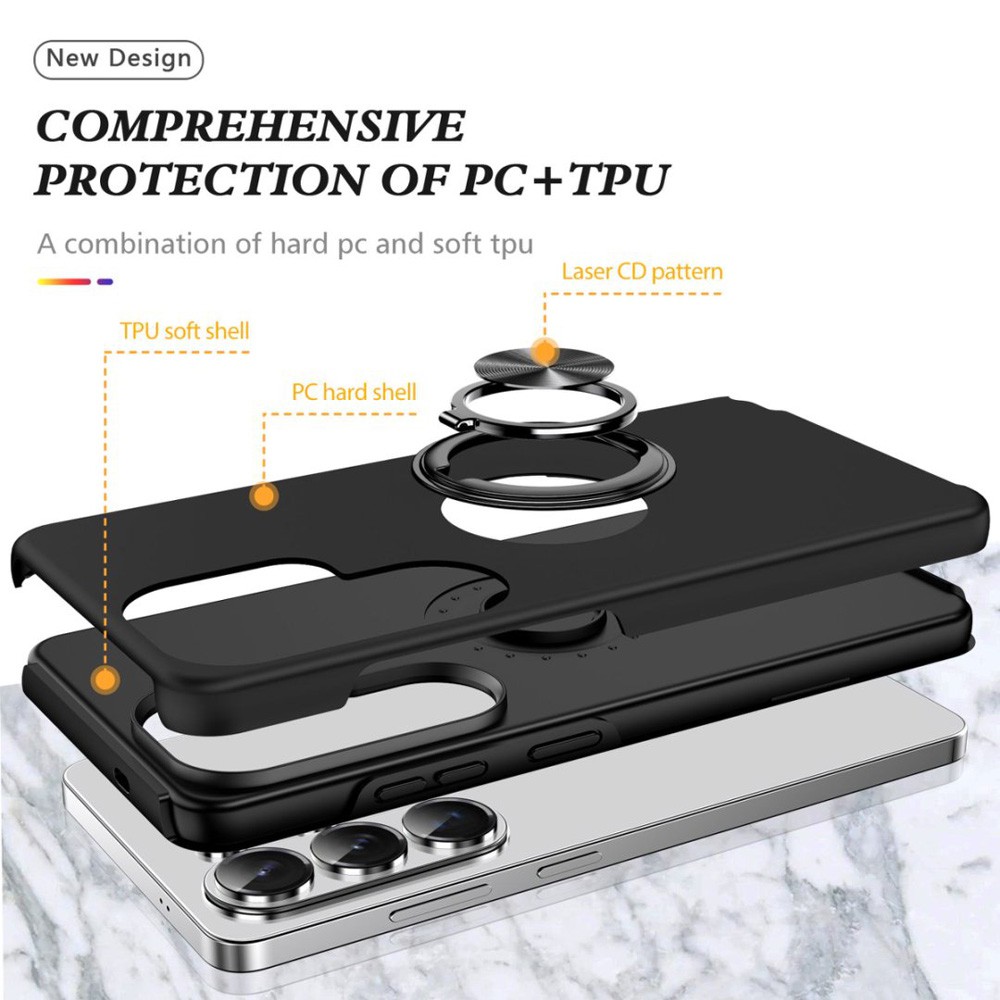
Rugged and shockproof cases
If you are evacuating, sheltering in damaged buildings or moving through debris, your phone is at high risk of drops and impacts.
A rugged case is especially important if your phone is your only communication tool and you cannot afford for it to break during a crisis.
Tempered glass screen protectors
Even with a case, a cracked screen can make your phone unusable. A quality tempered glass screen protector absorbs impact and prevents scratches, keeping the display clear and responsive when you need it most.
Data backup and document preparedness
Physical documents can be lost, destroyed or inaccessible during an emergency. Digital backups ensure you always have access to critical information.
Cloud storage and automatic backups
Store digital copies of essential documents in secure cloud storage like Dropbox, Google Drive, iCloud or OneDrive.
Offline maps and navigation apps
Mobile data may not be available during an emergency. Download offline maps of your region so you can navigate even without internet access. Apps like Google Maps and TomTom allow you to download entire regions for offline use.
Emergency apps
Download essential apps before an emergency occurs:
- Red Cross Emergency and First Aid apps
- FEMA app for real‑time alerts and safety information
- Weather alert apps specific to your region
- Flashlight and compass apps
Make sure these apps are downloaded, updated and tested so they work when you need them.
Emergency lighting and multi‑tools
When the lights go out, your gadgets and accessories become even more important.
LED flashlights and headlamps
A high‑quality, USB‑rechargeable LED flashlight or headlamp provides reliable lighting without draining your phone’s battery. Look for models with multiple brightness levels and long battery life.
Multi‑tools and compact toolkits
Small multi‑tools can help with quick repairs, opening packages, cutting cords and dozens of other tasks in emergencies. Compact, lightweight multi‑tools like Leatherman or similar brands are ideal for emergency kits.
Building your gadget emergency kit
Now that you understand the key accessories, here is how to put together a practical, reliable emergency kit for your devices.
Basic emergency gadget kit (for short‑term preparedness, 1–3 days)
- High‑capacity power bank (10,000–20,000 mAh), fully charged
- USB charging cables for all your devices (USB‑C, Lightning, Micro USB)
- Waterproof phone pouch or rugged case
- Tempered glass screen protector already installed
- Small LED flashlight (USB‑rechargeable)
- Emergency contact list (printed and digital)
- Offline maps downloaded to your phone
Tailoring your kit to your situation
Different emergencies and living situations require different priorities.
For families with young children:
- Include tablets with downloaded educational content and entertainment
- Pack extra charging cables and kid‑friendly headphones
- Store digital copies of important school and medical records
Pet owners:
- Keep digital copies of pet vaccination records and vet contacts
- Include a power bank to charge GPS pet trackers
People with medical needs:
- Ensure power stations can run CPAP machines, oxygen concentrators or other critical devices
- Keep digital and printed copies of prescriptions and medical device manuals
Remote or rural areas:
- Prioritize solar charging and satellite communication devices
- Include higher‑capacity power banks and power stations

Where to find emergency accessories
You can find many of these essential accessories at City Phones, including protective cases, screen protectors, power banks and charging cables suitable for everyday use and emergency preparedness.
Browse protective cases and accessories here:
https://www.cityphones.com.au/repair/phone-cases/
Whether you are building your first emergency kit or upgrading an existing one, investing in the right gadget accessories now means you will stay connected, informed and safe when emergencies strike.
Practical tips for using gadgets in emergencies
Even with the best accessories, smart usage habits help your devices last longer when power and resources are scarce.
Extend battery life during outages:
- Lower screen brightness to the minimum usable level
- Turn on battery saver or low power mode immediately
- Disable background app refresh, Bluetooth, Wi‑Fi and location services when not actively needed
- Use airplane mode when you do not need to send or receive calls or data
- Close unnecessary apps and avoid streaming video or music
Prioritize essential use:
- Reserve your phone primarily for emergency communication and critical information
- Avoid non‑essential browsing, social media or gaming
- Use a dedicated flashlight or headlamp instead of your phone’s torch to save battery
Communicate efficiently:
- Text messages use less battery and data than voice calls
- Keep calls short and to the point
- Use group messaging to update multiple people at once
Emergencies are unpredictable, but your preparedness does not have to be. By equipping your gadgets with the right accessories reliable power sources, protective cases, backup communication tools and digital document storage you ensure that your devices remain functional lifelines when everything else fails.
Most importantly, test your gear regularly, keep power banks charged and update your backups so your emergency kit is always ready when you need it most.
For protective cases, screen protectors, charging accessories and repair services for your devices, visit City Phones in Melbourne or browse online at:
https://www.cityphones.com.au/repair/phone-cases/



Leave a Reply