
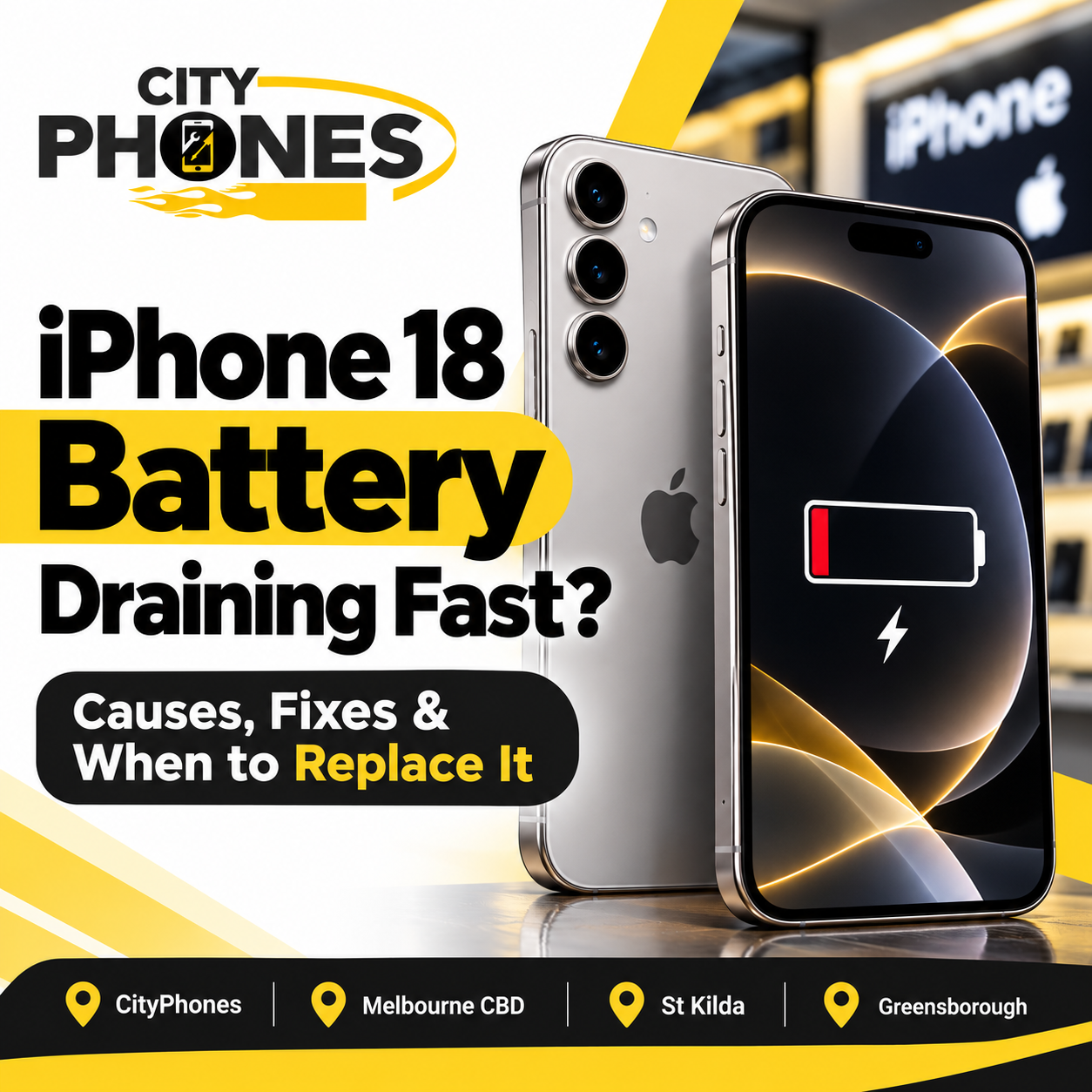
IPhone 18 Battery Draining Fast? Causes, Fixes and When to Replace It
The latest IPhone is designed to deliver powerful performance, advanced features and dependable battery life. However, if your IPhone 18 Pro or IPhone 18 Pro Max battery is draining faster than expected, you may find yourself reaching for the charger more often than usual.
A rapidly draining battery does not automatically mean your IPhone has a faulty battery. High screen brightness, background app activity, weak mobile signals, software updates and demanding applications can all contribute to increased power consumption.
In this guide, CityPhones explains why your IPhone 18 battery might be draining quickly, what you can do to improve battery life and when professional inspection or battery replacement may be necessary.
Why Is My IPhone 18 Battery Draining So Fast?
Before considering a battery replacement, it is important to identify what is consuming power. Here are some common reasons your IPhone 18 battery may not be lasting as long as expected.
- Background Apps Are Using Too Much Power
Some apps continue performing tasks even when you are not actively using them. Social media applications, navigation services, email apps and cloud photo backups can consume battery in the background.
What to do:
- Open Settings and select Battery.
- Review your daily battery usage and identify apps consuming unusually high amounts of power.
- Check whether the usage comes from screen time or background activity.
- Restrict Background App Refresh for apps that do not need frequent updates.
- You do not necessarily need to close every app. Focus on applications that are consistently using more battery than expected.
- High Screen Brightness and Display Settings
Your display can be a significant source of battery consumption, particularly when brightness is set high for long periods.
If you frequently watch videos, play games or use your IPhone outdoors, the display may consume more power than usual.
How to fix it:
- Enable Auto-Brightness in your display settings.
- Reduce screen brightness when possible.
- Set Auto-Lock to a shorter interval.
- Avoid keeping the display active unnecessarily.
- These small adjustments can help extend battery life during everyday use.
- Recent iOS Updates or New Phone Setup
If your IPhone 18 battery started draining after a software update or immediately after setting up the device, background processing could be responsible.
Your IPhone may still be completing device setup, downloading apps, syncing photographs or indexing files. These activities can temporarily increase battery consumption and heat generation.
What to do:
Give the phone a few days to complete background tasks, particularly after a major update or transferring data from an older IPhone. Keep your software updated and monitor battery usage again.
If excessive drain continues after the initial setup period, investigate the battery usage details or arrange a professional inspection.
- Weak Mobile Signal and 5G Usage
Your IPhone may use more energy when searching for a reliable mobile connection, especially in areas with weak cellular coverage.
Frequent switching between networks or using mobile data for extended periods can also contribute to faster battery consumption.
How to fix it:
- Use Wi-Fi when a reliable network is available.
- Enable 5G Auto if the option is available on your device and network.
- Avoid unnecessary mobile data usage in areas with poor coverage.
- Use Airplane Mode temporarily in locations where there is no mobile signal and you do not need connectivity.
A weak signal can sometimes explain battery drain even when you are not actively using many apps.
- Gaming, Video Recording and AI Features
Resource-intensive activities can increase battery usage. Gaming, recording high-resolution videos, video calls, navigation and certain AI-powered tasks can make your IPhone work harder.
If you notice the phone becoming warm while performing these activities, some additional battery consumption is expected.
Try taking breaks between demanding tasks and avoid running several power-intensive activities simultaneously.
If your IPhone becomes unusually hot during light use or while idle, do not dismiss the problem as normal battery usage.
- Location Services and Frequent Notifications
Apps that frequently access your location or wake your display with notifications can contribute to battery drain.
How to fix it:
- Open Settings and review Privacy & Security > Location Services.
- Set location access to While Using the App where appropriate.
- Disable unnecessary location permissions.
- Review notifications from apps that are not important to you.
- Keep location access enabled for services that genuinely require it, such as navigation and device security.
How to Fix IPhone 18 Battery Drain: A Step-by-Step Checklist
Before booking a repair, try the following troubleshooting steps.
Step 1: Check your battery usage
Go to Settings > Battery and review the Daily Usage chart. Check which apps and system activities consume the most power.
Step 2: Restart your IPhone
Restarting the phone can help resolve temporary software issues that affect performance and battery consumption.
Step 3: Install available software updates
Check Settings > General > Software Update and install an appropriate available update. Software updates can include bug fixes and other improvements.
Step 4: Enable Low Power Mode
Open Settings > Battery > Power Mode and enable Low Power Mode.
This reduces certain background activities and system features to help your battery last longer.
Step 5: Reduce unnecessary background activity
Limit background refresh, unnecessary notifications and location access for apps that do not need them.
Step 6: Monitor battery performance
After making these changes, use your phone normally and check whether battery life improves over the next few days.
If the battery continues dropping rapidly despite these steps, the issue may require further diagnosis.
How to Check IPhone 18 Battery Health
Battery health indicates how well the battery retains its ability to hold a charge compared with when it was new.
To check it:
- Open Settings.
- Tap Battery.
- Select Battery Health.
- Review the available maximum capacity and any service recommendations.
The exact information displayed may vary depending on the model and software version.
A battery that has aged significantly may hold less charge and require more frequent charging. However, a newly purchased IPhone 18 Pro should not automatically need a battery replacement simply because it drains quickly.
If the device shows a service recommendation, loses charge unusually quickly or shuts down unexpectedly, have the cause assessed.
When Should You Replace Your IPhone 18 Battery?
Battery replacement may be appropriate when the battery has deteriorated or testing confirms that it is faulty.
Look out for these warning signs:
- Rapid battery drain: The phone loses charge unusually quickly even during light use.
- Unexpected shutdowns: The device switches off despite showing remaining battery power.
- Battery service warning: The Battery Health section recommends service.
- Charging problems: The phone charges inconsistently or the battery percentage behaves abnormally.
- Unusual heating: The device becomes excessively hot during ordinary use, particularly when combined with rapid discharge.
None of these symptoms alone proves that the battery is the cause. Software issues, charging accessories and other hardware faults can produce similar problems.
If your IPhone 18 Pro or Pro Max is still new or covered by warranty, contact Apple or the seller first to check your service options before paying for a replacement.
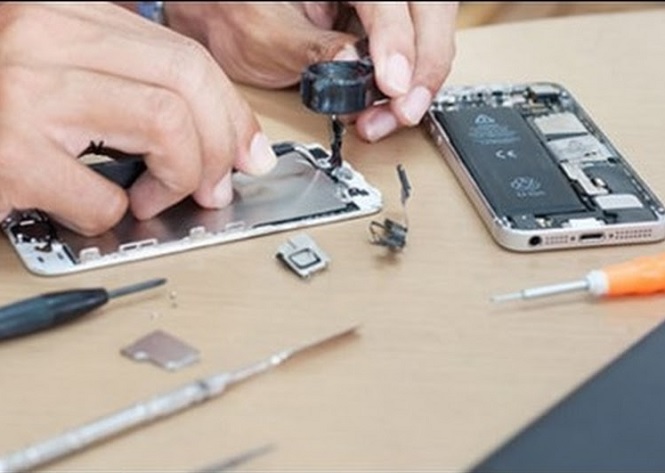
Important: If you notice battery swelling, a lifted screen or severe heat, stop using and charging the device and seek professional assistance. Do not attempt to open the phone yourself.
IPhone 18 Battery Replacement in Melbourne
If your IPhone battery continues draining after troubleshooting, a professional assessment can help determine whether it needs a battery replacement or another repair.
At CityPhones, customers can enquire about IPhone repair services across Melbourne. Our team can help assess battery and charging concerns and discuss suitable repair options for your device.
Before proceeding, ask for a diagnosis and quote for your specific model. The correct replacement parts, repair method and service options should be confirmed for the IPhone model concerned.
You can visit CityPhones at one of our Melbourne locations:
- Melbourne CBD: 148 Elizabeth Street, Melbourne VIC 3000.
- St Kilda: 148 Acland Street, St Kilda VIC 3182.
- Greensborough: Level 1, Shop 137, 25 Main Street, Greensborough VIC 3088.
Visit our IPhone repair and phone repair services page to learn more, or contact our team through the CityPhones contact page.
Frequently Asked Questions
Why is my IPhone 18 battery draining overnight?
Background app activity, weak mobile coverage, notifications, syncing and software processes can all contribute to overnight battery drain. Check Settings > Battery to identify unusual activity.
Is it normal for a new IPhone 18 Pro to drain battery quickly?
Battery consumption may temporarily increase after initial setup, data transfers or software updates. If the problem persists after background tasks finish, investigate the cause rather than assuming it is normal.
Can an iOS update fix IPhone 18 battery drain?
It may help if the problem is related to a software bug. However, an update will not resolve every battery issue, especially if the cause is hardware-related or connected to a particular app.
How do I know if my IPhone battery needs replacement?
Check Battery Health for service recommendations and monitor rapid discharge, unexpected shutdowns and charging problems. A technician can determine whether the battery itself needs replacing.
Where can I get IPhone battery help in Melbourne?
You can contact CityPhones for an assessment and repair options at our Melbourne CBD, St Kilda and Greensborough locations. Confirm availability and pricing for your particular IPhone model before arranging a repair.
Final Thoughts
An IPhone 18 battery draining fast can be frustrating, but the solution may be as simple as adjusting settings, updating software or identifying an app that consumes too much power.
Start by checking battery usage, reducing unnecessary background activity and giving a recently updated or newly configured phone time to settle. If the problem persists, unexpected shutdowns occur or Battery Health recommends service, arrange a professional assessment.
For IPhone battery and repair enquiries in Melbourne, contact CityPhones to discuss the right next step for your device.


Leave a Reply