

Exploring the Latest iPhone Models and iPhone Repairs in 2026: What You Need to Know
Apple’s 2026 iPhone lineup – the iPhone 17, 17 Plus, 17 Pro and 17 Pro Max – continues to push performance, camera quality and battery life forward. But just like any device you carry every day, these iPhones can still crack, wear out or stop working properly over time.
Understanding both the latest iPhone features and your repair options in 2026 helps you decide which model to buy, when to upgrade, and when it makes more sense to repair your current phone instead of replacing it. This guide walks through the new models, common iPhone issues, repair vs replacement decisions, and the best accessories from CityPhones to protect your device from day one.
How iPhone Models and Repairs Have Changed in Recent Years
In the last few generations, Apple has changed both the hardware design and the way repairs work:
- More integrated designs mean parts like the display, Face ID sensors and cameras are tightly paired to the logic board.
- USB‑C has replaced Lightning, changing how ports, charging and accessories work.
- Back glass and camera islands are larger and more exposed, increasing the risk of cosmetic and structural damage.
- Water resistance has improved, but liquid damage can still cause hidden corrosion and logic board faults.
These changes deliver better performance and durability overall, but they also make some iPhone repairs more complex and specialized, especially on newer Pro models.
Overview of the 2026 iPhone 17 Lineup
iPhone 17 and iPhone 17 Plus
Ideal for everyday users who want a fast, reliable phone without paying for every “Pro” feature.
Key improvements include:
- Faster, more efficient chip for smoother app performance and gaming
- Brighter Super Retina XDR displays that are easier to read outdoors
- Better battery life, especially on the iPhone 17 Plus
- Improved Night Mode and smarter image processing for clearer low‑light photos
- Refined USB‑C experience for charging and data transfer
If you are upgrading from an iPhone 14, 15 or any older model, the 17 and 17 Plus will feel noticeably faster with better screen and camera quality.
iPhone 17 Pro and iPhone 17 Pro Max
Built for power users, content creators and anyone who wants the best Apple offers in 2026.
Standout features include:
- More powerful “Pro” chip for video editing, gaming and intensive multitasking
- 120 Hz ProMotion display for ultra‑smooth scrolling and animations
- Upgraded triple‑camera system with improved zoom and better stabilisation
- Premium build with improved durability while still feeling comfortable in hand
- Advanced USB‑C options for faster transfers to laptops and drives
For creators, mobile professionals and heavy users, the 17 Pro and 17 Pro Max deliver the most headroom and longevity.

Most Common iPhone Parts That Need Repair or Replacement
Even with all the improvements, certain iPhone components still fail or get damaged more often than others. Knowing the typical issues helps you understand repair quotes and decide how urgent a fix really is.
Display / Screen
The display is the most common iPhone repair:
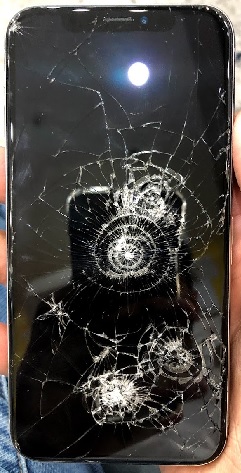
- Cracked or shattered front glass from drops
- Lines on the display or dead pixels
- Touch not responding across part of the screen
- Discolouration or flickering after impact or liquid exposure
On the iPhone 17 series, display repairs often involve both the glass and OLED panel together, which is why screen repairs can be one of the more expensive fixes.
Battery
Most iPhone batteries last around 2–4 years before noticeably degrading.
Signs you need a battery replacement:
- Phone drains quickly, even with light use
- Battery health in Settings has dropped significantly
- Sudden shutdowns at 10–20% charge
- Phone gets hot during basic tasks or charging
A fresh battery can make a 2–3 year old iPhone feel like new again and is usually cheaper than buying a new device.
Back Glass and Frame
With modern iPhones using glass on both sides:
- Cracked or shattered back glass from drops
- Bent or dented frame affecting screen fit or water resistance
- Sharp edges or loose glass fragments after heavy impact
Back glass repairs on recent iPhones often require specialised equipment to remove and replace the glass safely without damaging internal components.
Camera Modules
iPhone 17 cameras are powerful but also exposed:
- Scratched lenses causing blurry or hazy photos
- Focus hunting or clicking noises from the camera module
- Camera app freezing or showing a black screen
- Stabilisation issues leading to shaky footage
In many cases, camera modules can be replaced without changing the whole phone, which is far more cost‑effective than upgrading.
Charging Port, Speakers and Microphones
Daily use and pocket lint can wear these parts down:
- USB‑C port only charging at certain angles or not recognising cables
- Muffled speakers or one side not working
- People complaining they can’t hear you clearly on calls
Some issues are solved by careful cleaning; others needå part replacement.
Logic Board and Face ID / Biometrics
These are among the most serious and complex issues:
- Phone not turning on at all
- Repeated boot loops or random restarts
- Face ID not working after a drop, repair or liquid damage
- Multiple functions failing at once (Wi‑Fi, Bluetooth, cameras)
Logic board and biometric repairs often require advanced diagnostics and micro‑soldering, which is why they tend to be the most expensive iPhone repairs.
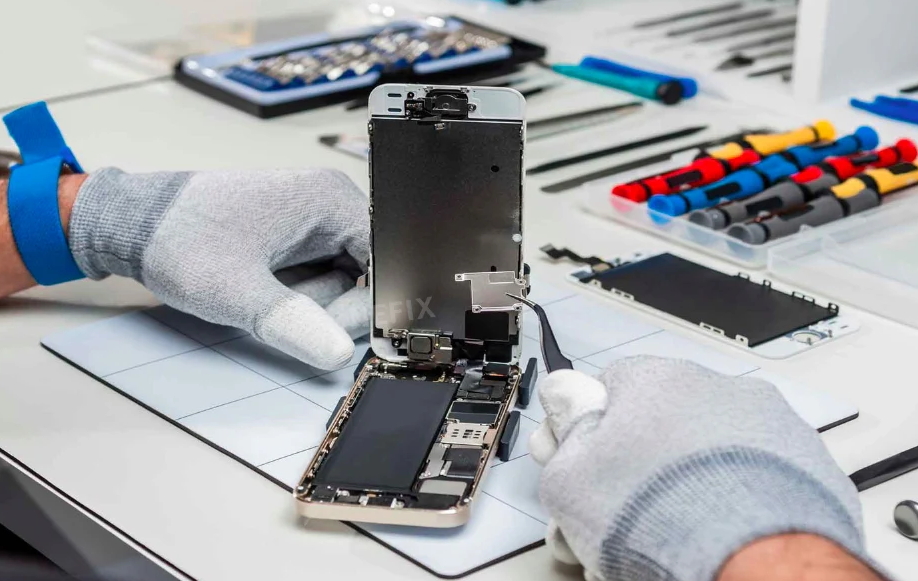
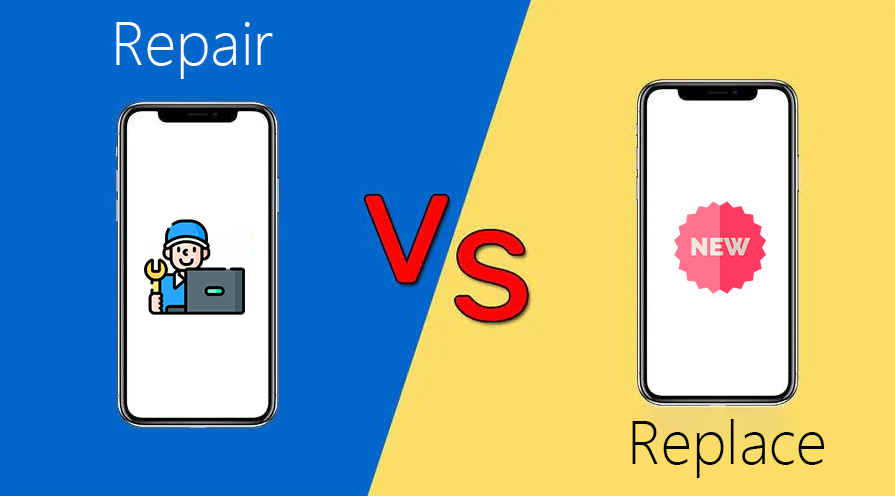
Not every iPhone problem means you must buy a new device. Think about age, condition and total cost.Repair usually makes sense when:
-
-
- Your iPhone is less than 3–4 years old
- There is one main issue (e.g. screen, battery, camera)
- Repair cost is under 35–40% of a similar new iPhone
- Performance still meets your needs (apps are smooth, camera is good enough)
- You want to maximise resale or trade‑in value later
-
Replacement usually makes sense when:
-
-
- Your iPhone is 4–5+ years old with multiple problems
- The logic board is faulty and repair is very expensive
- The repair quote is more than 50% of a new model
- The phone no longer supports the latest iOS versions
- You regularly hit performance limits with your current device
-
Example calculation:
-
-
- iPhone 14: current used value (example) – significantly less than a brand‑new iPhone 17
- Screen + battery replacement together can be a large share of what a newer iPhone 17 costs
-
In that situation, it may be smarter to put the repair money towards a newer iPhone 17 instead of heavily investing in an older device.
Genuine or high‑quality OEM‑equivalent parts:
- Better fit and finish, closer to original
- More accurate colours and brightness for screens
- More reliable batteries with proper capacity and safety
- Often maintain better compatibility with iOS updates
Lower‑quality parts:
- Cheaper upfront but more likely to cause issues (ghost touch, dim screens, poor battery life)
- May affect features like True Tone, Face ID or camera quality
- More likely to need re‑repair later
For daily‑use devices like your iPhone, using quality parts is almost always the better long‑term value.
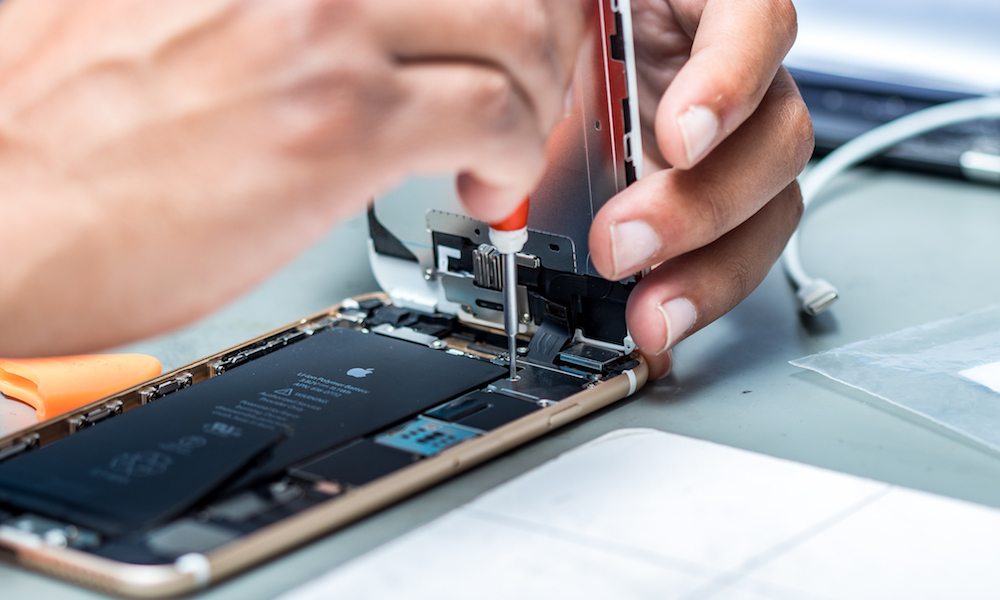
DIY iPhone Repair vs. Professional Service
Some basic checks are worth trying at home, but many hardware repairs are best left to professionals.
Start with simple checks:
- Restart the phone and update to the latest iOS
- Check Battery Health in Settings
- Clean the USB‑C port gently with a non‑metal tool if charging is intermittent
- Remove case/screen protector to rule out pressure on the display or buttons
When DIY is not recommended:
- Screen replacements on newer models (risk of damaging Face ID or display cables)
- Battery replacements if you are not used to handling adhesives and flex cables
- Back glass removal (requires heat and specialised tools)
- Any logic board or camera module work
Modern iPhones pack many delicate components into a small space, and mistakes can quickly turn a simple repair into a much larger problem.
Choosing an iPhone Repair Service in 2026
If you decide to get professional help, you have similar options to MacBook repair:
Apple or Authorised Providers:
- Use genuine Apple parts
- Maintain warranty and AppleCare+ where applicable
- Typically higher prices
- Some repairs may require booking and longer wait times
Independent Repair Shops (like CityPhones):
- Often faster turnaround and more flexible options
- Competitive pricing on common repairs (screens, batteries, cameras)
- Can offer both genuine and high‑quality third‑party parts depending on your budget
- Local support and advice, especially useful if you are unsure whether to repair or upgrade
Key questions to ask any repair shop:
- What quality parts do you use for this repair?
- What warranty do you provide on both parts and labour?
- How long will the repair take?
- Will any features (Face ID, True Tone, water resistance) be affected?
Clear answers to these questions help you compare quotes properly instead of choosing on price alone.
Must‑Have Accessories for Your 2026 iPhone
Just like with MacBooks, prevention is better than cure. The right accessories reduce the chance you will need a major repair.
Screen Protectors and Cases (First Priority)
These should be your first purchase with any new iPhone 17 model.
Why they are essential:
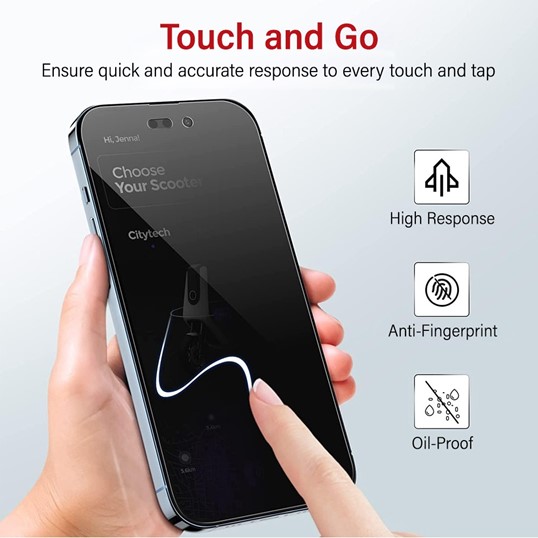
- Tempered glass screen protectors absorb impact from drops and prevent scratches
- Protective cases cushion the phone and protect corners, edges and camera bumps
- Raised bezels keep the screen and camera lenses away from rough surfaces
You can browse and buy iPhone cases and screen protectors directly from CityPhones here:
https://www.cityphones.com.au/repair/phone-cases/
For most people, a slim case plus a high‑quality tempered glass protector gives the best balance of protection, comfort and style.
Charging Accessories and Power Banks
With more powerful chips and brighter screens, good charging gear is essential.
Recommended charging setup:
- A quality USB‑C wall charger that supports fast charging
- A durable USB‑C cable that will not fray quickly
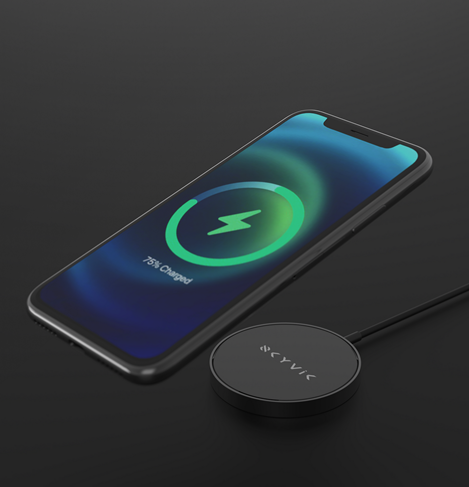
- A MagSafe or wireless charger for desk or bedside
- A compact power bank for travel or long days away from power points
Pairing your iPhone 17 with reliable charging accessories from day one helps maintain battery health and keeps you powered all day.
Camera and Grip Accessories
To get the most from the advanced cameras in the iPhone 17 series:
- Camera lens protectors to shield protruding lenses from scratches in pockets or bags
- MagSafe grips or stands to reduce the risk of drops while taking photos or videos
- Desk or tripod mounts for stable recording, video calls and content creation
These inexpensive additions can significantly improve both your results and your phone’s safety.
Audio and Daily‑Use Accessories
Round out your setup with accessories that make everyday use easier:
- Quality wireless earbuds for calls, music and streaming
- Car mounts for safe hands‑free navigation and talking while driving
- MagSafe wallets to keep essential cards on the back of your phone
- Compact stands for watching content or joining video calls without holding the device
You can explore a variety of compatible cases, grips and protection accessories on the CityPhones website: https://www.cityphones.com.au/repair/phone-cases/
Preventive Tips to Extend the Life of Your iPhone
A few simple habits can delay expensive repairs and keep your iPhone usable for longer.
Protect the hardware:
- Always use a case and screen protector, especially if you commute or work on the go
- Avoid placing your iPhone in the same pocket or bag compartment as keys or coins
- Keep liquids away from your phone, even though it is water‑resistant, not waterproof
Look after performance:
- Keep iOS and apps updated to benefit from performance and security improvements
- Maintain some free storage space so the phone does not slow down
- Restart the device occasionally to clear temporary glitches
Care for the battery:
- Avoid leaving your phone in very hot cars or direct sun for long periods
- Use quality chargers and cables rather than the cheapest options
- Enable Apple’s battery optimisation features in Settings when available
Should You Upgrade to an iPhone 17 in 2026?
If you are using an iPhone 14 or older, moving to an iPhone 17 model is a major upgrade in speed, display quality, camera performance and battery life. If you are on an iPhone 15 or 16, you will still see smoother performance and better low‑light photography, but whether you upgrade right now depends on:
- The condition of your current iPhone
- Any existing issues (screen cracks, weak battery, camera faults)
- How intensive your daily use is (gaming, video, multitasking)
- Your budget and whether a repair might be enough for another year or two
What does not change is the importance of protection. A quality case, tempered glass screen protector and reliable charging accessories from CityPhones can prevent many of the most common and expensive iPhone repairs.
Conclusion: Make Smarter iPhone Decisions in 2026
The iPhone 17 lineup delivers powerful hardware and long‑term software support, but like any daily‑use device, it is still vulnerable to drops, wear and unexpected failures. Understanding the most common iPhone issues, realistic repair costs and when it is smarter to repair versus replace helps you get the best value from your device.
If you are ready to set up or fix your iPhone properly, visit CityPhones in‑store or browse online at: https://www.cityphones.com.au/repair/phone-cases/
From cases and screen protectors to expert repairs on cracked screens, weak batteries and more, you can protect your investment and keep your iPhone performing at its best for years to come.






Leave a Reply