
How to Protect Your Phone from Water Damage in 2026
Wondering how to protect your phone from water damage in 2026? Here’s what you need to know.
Modern smartphones are tougher than ever, with improved water resistance ratings and sealed designs. But “water‑resistant” is not the same as “waterproof”. A quick dip in the pool, rain in your pocket or a spill at the café can still cause serious internal damage that leads to corrosion, ghost‑touch issues, muffled speakers or a phone that will not turn on at all.
Understanding how water damage actually happens – and how to prevent it – can save you from an expensive repair or full device replacement. This guide explains what water resistance really means, how to avoid water damage in everyday life, what to do immediately if your phone gets wet, and when to visit a repair specialist.
What “Water‑Resistant” Really Means (and What It Does Not)
Most recent iPhone, Samsung Galaxy and other flagship models come with an IP rating (like IP67 or IP68). This rating describes how well the phone can resist dust and fresh water under controlled test conditions.
Important limitations:
- Water resistance is tested in clean, still, fresh water – not salty seawater, chlorinated pools or soapy bath water
- The rating applies to a brand‑new phone; drops, wear and previous repairs can weaken seals over time
- High‑pressure water (showers, jets, taps) is not part of the standard test
- Liquid damage is typically not covered under standard warranties, even with a high IP rating
Think of water resistance as an emergency safety net, not a license to use your phone underwater every day.
Keep Your Phone Out of the Bathroom and Kitchen When Possible
Steam and humidity can slowly work their way into seals over time.
- Avoid leaving your phone on the bathroom counter while showering
- Keep it away from kettles, boiling pots and dishwashing areas
- If you must have it nearby, keep it higher up and away from direct steam or splashes
Be Careful at the Pool or Beach
This is where many phones are lost or damaged.
- Do not place your phone on wet tables, towels or directly on sand
- Rinse hands to remove sunscreen and salt before using your phone
- Use a waterproof pouch if you plan to be near or in the water for long periods
- Never assume “it’s fine to take it underwater for just one photo” – one seal failure is all it takes
Protect Your Phone During Workouts
Sweat is salty and conductive, which can be worse than plain water.
- Avoid keeping your phone directly against your skin in a pocket during heavy exercise
- Use an armband or belt with some separation, or place the phone in a gym bag
- Wipe down your phone and case after intense workouts, especially around openings
What to Do Immediately If Your Phone Gets Wet
Quick, calm action can make the difference between a simple cleaning and a dead device.
1: Turn It Off Immediately
- If your phone is on and still responding, power it down straight away
- Do not press lots of buttons or keep using apps “to check if it’s okay” – this can short‑circuit components
2: Disconnect Everything
- Unplug charging cables, headphones and other accessories
- Remove any case and gently wipe everything with a clean, soft cloth
3: Remove SIM Tray and Gently Dry the Exterior
- Take out the SIM tray to let more air circulate
- Gently dab (do not rub hard) around all openings: charging port, speakers, microphone holes, buttons
4: Let It Drain and Air‑Dry Properly
- Place the phone on an absorbent cloth, ideally upright with the charging port facing down
- Leave it in a dry, well‑ventilated area at room temperature
- A fan blowing gently across the device can help – avoid direct heat sources like hairdryers or heaters
5: Wait Before Turning It Back On
- Give the phone sufficient time to dry – ideally 24–48 hours, longer if it was heavily submerged
- Turning it on too soon is one of the most common reasons a repairable phone becomes permanently damaged
What Not to Do After Water Damage
Some popular “tricks” do more harm than good. Avoid the following:
- Do not use rice.
Rice does not magically pull water out of your phone. The grains can leave dust and starch inside ports and may actually slow drying. - Do not use a hairdryer or oven.
High heat can warp plastics, damage seals and overheat internal components. - Do not shake the phone aggressively.
This can push water deeper into delicate areas or spread it to unaffected components. - Do not keep charging the phone.
Plugging in power while moisture is still present is risky and can cause further damage.
If in doubt, treat the phone as if it is still wet and keep it powered off until a technician has inspected it.
Signs Your Phone May Already Have Water Damage
Sometimes phones keep working for a while after getting wet, then start showing issues days or weeks later.
Watch for:
- Random restarts, freezing or apps crashing
- Ghost touches (screen responding when you are not touching it)
- Muffled, distorted or no audio from speakers or during calls
- Very weak or inconsistent charging, especially with certain cables
- Camera fogging, spots or blurry patches that do not wipe off the lens
- Corrosion or discolouration visible in the charging port or SIM tray
Any of these can indicate hidden moisture or corrosion inside the device. The earlier a technician sees it, the higher the chance of a successful repair.
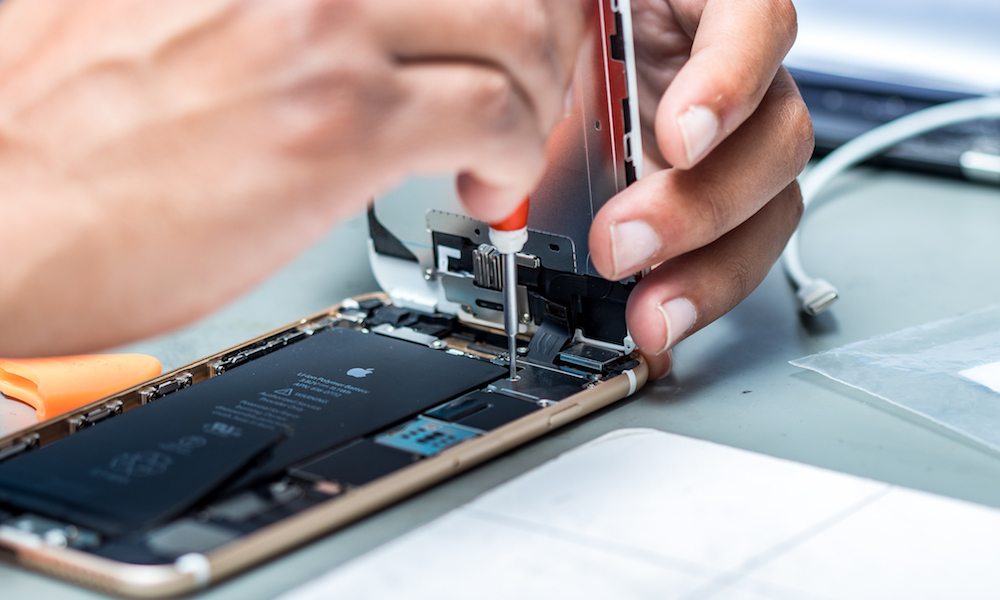
When to Visit a Professional Repair Shop
Trying to fully open and dry a modern smartphone at home is risky without the right tools and experience. In many cases, professional cleaning and inspection are the safest path.
Consider going to a repair specialist when:
- Your phone was fully submerged (toilet, pool, ocean, bath, sink)
- It will not turn on or stays stuck in a boot loop
- Charging, sound or camera functions are clearly affected
- You rely on the phone for work or study and cannot afford surprises later
At a good repair shop, technicians can:
- Open the device safely without causing extra damage
- Inspect for corrosion and residue under microscopes
- Clean affected areas with proper solutions and tools
- Test individual components (battery, display, cameras, ports)
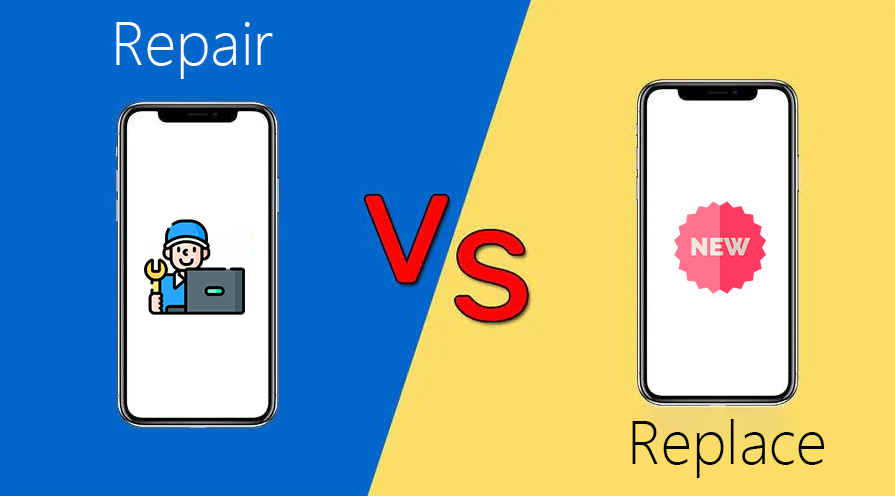
- Advise honestly whether repair is likely to be reliable or if replacement makes more sense
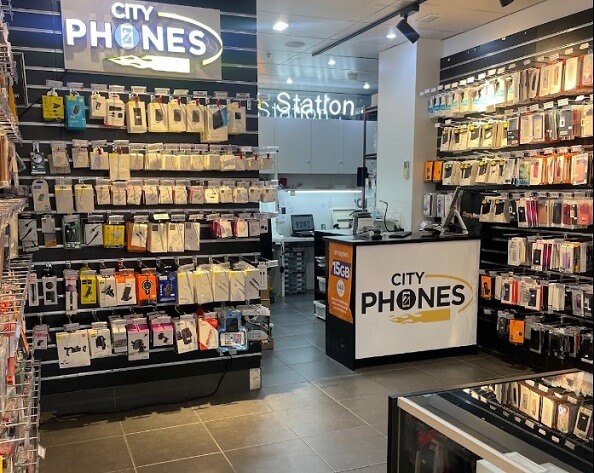
If you are in Melbourne, CityPhones can assess water‑damaged phones, provide a clear diagnosis and quote, and help you decide whether to repair or upgrade based on your device’s age and condition.
How to Reduce the Risk of Future Water Damage
Once you have had one water‑related scare, it makes sense to add an extra layer of protection.
- Use a quality case every day to help with drops and splashes
- Consider a waterproof pouch for holidays, boating, fishing or pool days
- Keep your phone out of bathrooms and wet kitchen areas whenever possible
- Avoid using your phone near open drinks, sinks or bathtubs
- Back up your data regularly so a worst‑case scenario is less stressful
You can find a range of protective cases and accessories suitable for everyday use and travel on the CityPhones website:
https://www.cityphones.com.au/repair/phone-cases/
Final Thoughts: Prevention Is Cheaper Than Cure
Water damage is one of the most common and frustrating ways for a phone to fail. In many cases, it happens in a second – a slip into the sink, a wave at the beach or a spill at the cafe. While modern phones are more water‑resistant than older models, no device is completely safe from liquids, especially in real‑world conditions.
By understanding the limits of water resistance, building a few simple habits, and acting quickly if your phone does get wet, you can dramatically reduce the chance of permanent damage. And if the worst does happen, getting your phone professionally inspected as soon as possible gives you the best chance of saving it.
For advice, assessment or repairs for water‑damaged phones, you can visit CityPhones in‑store or online. The team can help diagnose the issue, recommend the most cost‑effective solution, and match you with protective accessories to avoid the same problem in future.



Leave a Reply