
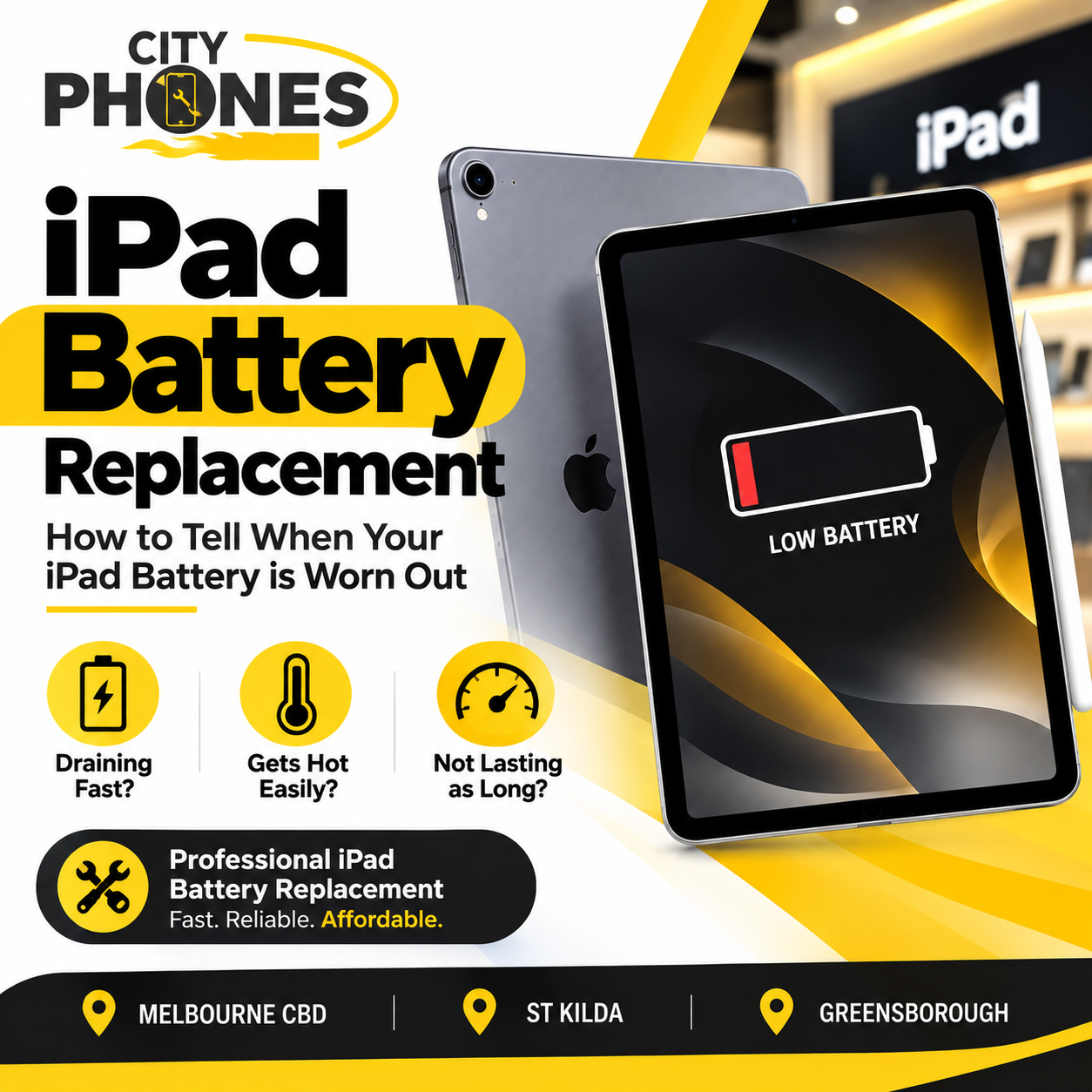
IPad battery replacement: how to tell when your IPad battery is worn out
IPads are designed to last for years, but their batteries are still consumable parts that gradually wear out with every charge. Over time you’ll see shorter screen‑on time, random shutdowns or an IPad that only behaves properly while plugged in – strong signs that the battery is nearing the end of its life.
This guide explains the key symptoms of a worn IPad battery, how to tell if it’s software or hardware, and what to expect from an IPad battery replacement in Melbourne CBD, St Kilda and Greensborough with City Phones.
Why IPad batteries eventually need replacing
Like all lithium‑ion cells, IPad batteries slowly lose capacity and peak performance as they go through charge cycles and heat exposure. Apple notes that IPad batteries are rated to maintain at least around 80% of their original capacity after about 1000 full charge/discharge cycles, compared with 500 cycles for iPhone.
Heavy use (streaming, gaming, school or work), leaving the IPad in hot cars, and frequently running the battery very low can all accelerate this wear, making replacement necessary earlier than you might expect.
Sign 1: Your IPad battery drains much faster than before
One of the clearest signs of battery wear is noticeably shorter battery life.
You might notice:
- The battery drops from high percentages to low much faster than when the IPad was new.
- Normal daily tasks – browsing, video, email – need multiple charges per day.
- The IPad that once lasted a full school or work day now dies halfway through.
When the drop becomes significant despite normal usage and a healthy set of apps, it usually points to a battery that can no longer hold charge properly.
Sign 2: Random shutdowns at 20–30% (or higher)
If your IPad turns off suddenly while still showing 20–30% (or sometimes higher), the battery is likely no longer delivering stable power. This usually means:
- The percentage shown on screen no longer reflects real capacity.
- Under load (video, games, multitasking) the battery voltage dips and the IPad shuts down to protect the hardware. Random shutdowns are a strong warning sign that the battery has degraded and should be checked professionally.
Sign 3: The IPad only behaves properly when plugged in
Another common symptom is an IPad that:
- Works normally while on the charger.
- Becomes unstable – sluggish, shutting down, failing to wake – soon after you unplug it.
- Guides explain that this often means the battery is too weak to support normal use, so the power adapter is effectively “doing the heavy lifting.” At that point, replacement is usually the only long‑term solution.
Sign 4: Battery percentage is unreliable or jumps around
When the battery is badly worn, the percentage indicator can start behaving strangely:
- The level drops from, say, 60% to 25% suddenly.
- The IPad dies before reaching 1%.
- The percentage jumps up or down after short periods of use.
An unreliable battery level makes the device frustrating to use and is one of the clearest signs that the battery is no longer stable.
Sign 5: Overheating during light use
Some warmth is normal during charging or heavy tasks, but constant heat during light use can indicate a stressed or failing battery.
If your IPad feels unusually hot while:
- Browsing the web
- Using basic apps
- Watching non‑HDR video
…battery wear and internal resistance may be contributing. Heat also accelerates battery degradation, so this isn’t something to ignore.
Sign 6: Screen lifting or IPad not sitting flat (swollen battery)
A swollen battery is one of the most urgent warning signs.
Typical signs include:
- Screen lifting slightly from the frame.
- Gaps appearing around the edges.
- The IPad rocking on a flat surface instead of sitting level.
Repair and safety guides stress that swelling is a safety risk: you should stop using and charging the IPad and have it checked as soon as possible. Continuing to use a swollen battery can cause further damage and, in extreme cases, pose a hazard.
Is it battery or just software and apps?
Before assuming you need a new battery, it’s worth checking for software‑related drain. Apple recommends a few steps for iPhone and IPad:
Update IPadOS to the latest version via Settings → General → Software Update.
- Check Battery settings for suggestions and “Insights” (e.g. high brightness, ongoing iOS update) and adjust habits accordingly.
- Look at Battery usage charts to see which apps or system activities are consuming the most power; streaming, games and background tasks can make a healthy battery appear weak.
If your IPad is relatively new and battery life improves after updates and app adjustments, you may not need a replacement yet. But if you still see fast drain, shutdowns, overheating or swelling after reasonable optimization, the underlying issue is almost certainly hardware.
Can you check IPad battery health like on iPhone?
Unlike iPhone, many IPad models still don’t show detailed battery health percentage in Settings. Apple notes that some newer IPads do offer a Battery Health view in Settings → Battery, but older ones don’t.
To get a clearer picture, options include:
- Connecting the IPad to a Mac or PC and using tools like coconutBattery or iMazing to read cycle count and capacity.
- Asking Apple Support or a repair centre to run remote or in‑store battery diagnostics.
For most customers, however, the real‑world symptoms described above -drain, shutdowns, swelling, only working on charger – are enough to decide whether it’s time for replacement.
Why IPad battery replacement is more complex than phones
City Phones’ IPad battery repair page explains that IPad battery replacement is more complicated than normal phone battery replacement, mainly because the screen must be removed first
Key challenges:
- The IPad display is glued on; technicians must carefully heat and lift it without cracking the glass or damaging display cables.
- If the screen breaks while opening, the cost of repair increases, which is why this job should be done only by experienced professionals
- Once the screen is off, the old battery can be removed, a new one installed, and the screen re‑bonded and sealed.
- City Phones notes that most IPad battery replacements they handle take around 90 minutes to 1 – 2 hours, including screen removal, battery swap and re‑
How City Phones handles IPad battery replacement
City Phones offers IPad battery replacement in Melbourne across many models and stocks most common IPad batteries in‑store.
Their process typically looks like this:
- Assessment
- Technician asks about your symptoms (drain, shutdowns, overheating, swelling).
- Checks the IPad visually for lifting screens or other damage.
- Quote and options
- You receive a clear quote before any work starts, and advice if other issues (like a damaged screen or port) are also present.
- Battery replacement
- Screen is carefully removed, old battery taken out, new battery installed and connected.
- Screen is re‑installed, glued and clamped until the adhesive sets.
- Testing and handover
The IPad is tested for charging, battery behaviour and basic functions before being returned to you, often the same day.
City Phones also offers three ways to get your IPad to them: visiting the store, posting the device, or using pickup and drop‑off options.
IPad battery replacement in Melbourne CBD, St Kilda and Greensborough
City Phones operates multiple locations, so customers can choose the store that’s most convenient:
Melbourne CBD (Elizabeth Street):
Ideal for city workers, students and businesses needing same‑day IPad battery replacement close to the office.
- St Kilda (Acland Street):
Handy for bayside and inner‑south suburbs wanting local IPad repairs without going into the CBD. - Greensborough Plaza:
Convenient for north‑east suburbs with shopping‑centre parking and easy access, great for families and schools using shared IPads.
All locations follow the same repair standards and use high‑quality replacement batteries, giving consistent results whichever store you visit.
When IPad battery replacement is worth it
Battery replacement usually makes sense when:
- The IPad is still fast enough for your apps (school, office, streaming, drawing) but dies too quickly or shuts down randomly.
- You want to avoid the higher cost of a brand‑new IPad when the main issue is just battery life.
- There’s no severe board damage or multiple other expensive faults.
It may be better to consider upgrading when:
- The IPad is very old and struggles with modern apps even after a full battery replacement.
- There are multiple major issues – like a cracked screen, failing logic board and worn battery together
City Phones can help you weigh up repair cost versus the price and benefit of a newer device, so you can make a decision that fits your budget and how long you want to keep using the IPad.









Leave a Reply