
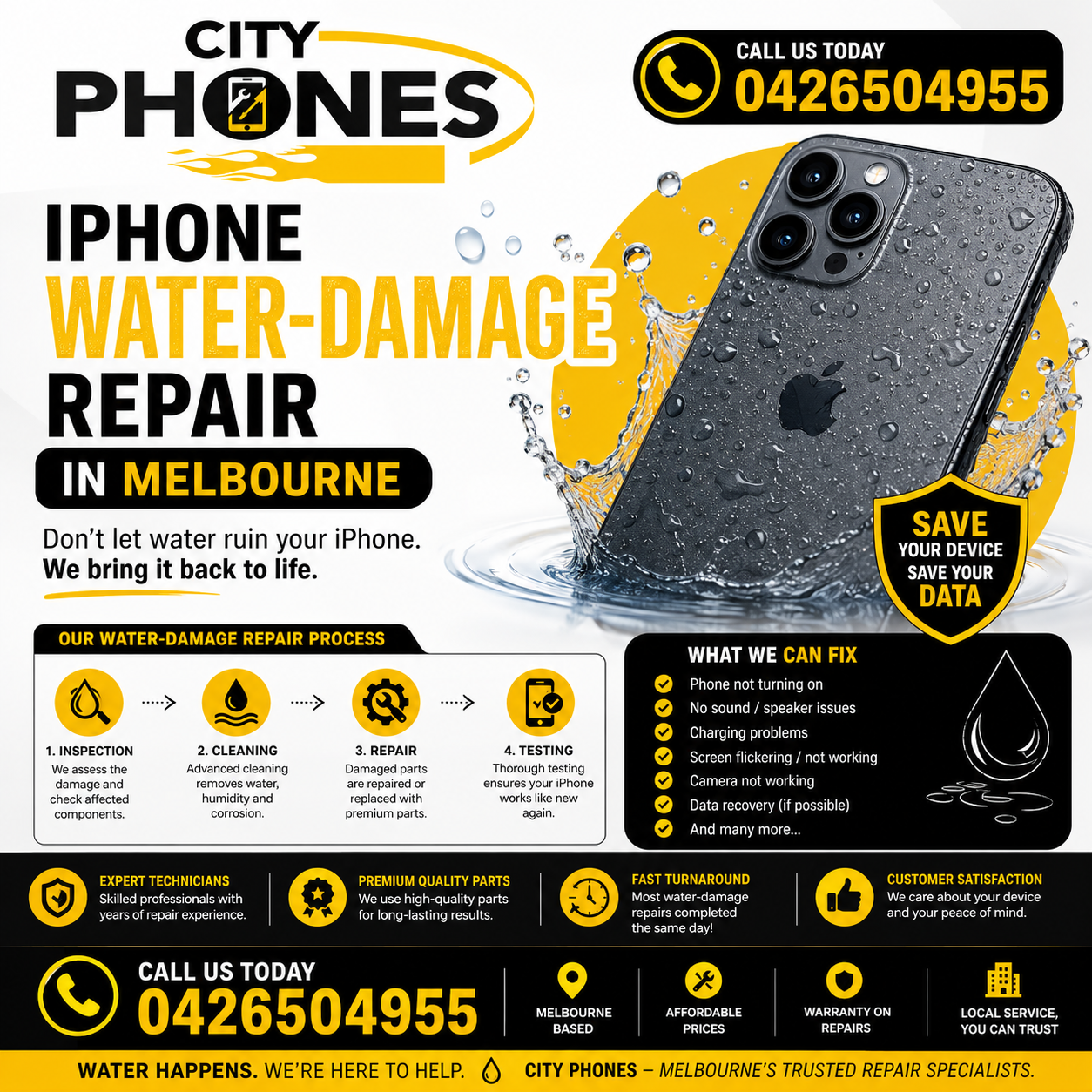
IPhone water‑damage repair in Melbourne
IPhone Water-Damage Repair in Melbourne: What to Do. Modern IPhones are water‑resistant, but they’re not indestructible. Apple clearly warns that splash and water resistance can decrease over time, and liquid damage is not covered under the standard warranty. A quick drop in the sink or a wet day at the beach can still leave your IPhone with hidden corrosion that shows up days or weeks later as charging errors, random shutdowns or a dead phone. IPhone Water-Damage Repair in Melbourne: What to Do.
This guide explains what to do immediately after liquid contact, common symptoms of water damage, what repair shops like City Phones can realistically fix, and when you’re likely looking at a replacement instead.
First things first: what to do immediately
Apple and independent repair experts emphasise the same key point: the worst thing you can do with a wet IPhone is keep using it or charge it. Every minute it stays powered while wet increases the chance of corrosion and short circuits on the logic board.
Step 1: Turn it off
- If the screen is still on, shut the IPhone down immediately.
- Don’t press extra buttons or swipe around “to check” if it still works – just power off.
Step 2: Disconnect everything
- Unplug any charging cables and accessories.
- Remove cases, wipe off visible liquid with a soft, lint‑free cloth.
Step 3: Let water drain out
Apple recommends:
- Gently tap the IPhone against your hand with the charging port facing down to remove excess liquid.
- Leave it in a dry area with good airflow. Pointing a cool fan at the connector can help; avoid heat sources like hairdryers or ovens.
Step 4: Do not use rice or heat
Apple Support Community posts and repair professionals repeatedly warn against putting IPhones in rice or using high heat. Rice doesn’t remove corrosion and can introduce dust into ports; heat can warp components and trap residue on the board.
Step 5: Wait before charging
Apple advises leaving the IPhone to dry for hours before charging or connecting accessories – at least five hours for connector‑level liquid warnings. Many repair techs recommend 24–48 hours before any attempt to power the device back on.
If the phone was fully submerged or exposed to salt water, pool water or chemicals, it’s usually best to skip powering it on and bring it straight to a repair shop for evaluation.
First things first: what to do immediately
Apple and independent repair experts emphasise the same key point: the worst thing you can do with a wet IPhone is keep using it or charge it. Every minute it stays powered while wet increases the chance of corrosion and short circuits on the logic board.
Step 1: Turn it off
- If the screen is still on, shut the IPhone down immediately.
- Don’t press extra buttons or swipe around “to check” if it still works – just power off.
Step 2: Disconnect everything
- Unplug any charging cables and accessories.
- Remove cases, wipe off visible liquid with a soft, lint‑free cloth.
Step 3: Let water drain out
Apple recommends:
- Gently tap the IPhone against your hand with the charging port facing down to remove excess liquid.
- Leave it in a dry area with good airflow. Pointing a cool fan at the connector can help; avoid heat sources like hairdryers or ovens.
Step 4: Do not use rice or heat
Apple Support Community posts and repair professionals repeatedly warn against putting IPhones in rice or using high heat. Rice doesn’t remove corrosion and can introduce dust into ports; heat can warp components and trap residue on the board.
Step 5: Wait before charging
Apple advises leaving the IPhone to dry for hours before charging or connecting accessories – at least five hours for connector‑level liquid warnings. Many repair techs recommend 24–48 hours before any attempt to power the device back on.
If the phone was fully submerged or exposed to salt water, pool water or chemicals, it’s usually best to skip powering it on and bring it straight to a repair shop for evaluation.
Common signs of IPhone water damage
Liquid damage doesn’t always show up immediately. Some IPhones appear fine at first, then fail days later as corrosion spreads. Watch for:
- Charging problems: “Liquid detected in Lightning/USB‑C connector” alerts, or the phone refusing to charge
- Random shutdowns or boot loops: Phone restarts on its own or refuses to complete boot.
- Display issues: Flickering, lines, dark patches or a completely black screen.
- Audio and mic problems: Very quiet or distorted speakers; people can’t hear you on calls.
- Face ID or camera failure: After water exposure, front camera or Face ID stops working.
If any of these appear after liquid contact, it’s time to stop DIY and consider professional repair.
What repair shops actually do for water‑damaged IPhones
Contrary to the “bag of rice” myth, real water‑damage repair is board‑level work, not just drying. Specialist technicians:
- Disassemble the IPhone
- Remove the logic board, battery, display and key components.
- Check internal water indicators and visible corrosion.
- Clean corrosion properly
- Remove EMI shields from the board; ultrasonic cleaning with shields on doesn’t reach hidden corrosion.
- Use high‑purity isopropyl alcohol, brushes and ultrasonic cleaners to dissolve corrosion on component legs and pads
- Diagnose power rails and ICs
- Measure resistance on key power rails to find shorts caused by liquid.
- Under a microscope, identify and replace corroded chips (e.g. power‑management ICs, charging ICs, display drivers)
- Replace damaged parts
- Swap out failed components, then reassemble with a new battery to avoid using a potentially damaged one.
- Replace screens, cameras, speakers or charging ports if they were affected.
Repair outcomes vary, but many phones can be brought back to a usable state or at least long enough to recover critical data.
What City Phones can do for IPhone water damage
City Phones’ IPhone repair services list water damage among the common issues they handle, alongside screen, battery and charging port problems. As a multi‑brand repair company, they offer:
Inspection and diagnostics for water‑damaged IPhones
- Board cleaning and component replacement where corrosion is limited enough to repair
- Part replacement for screens, batteries, charging ports and speakers that have failed after liquid exposure
- With stores in Melbourne CBD, St Kilda and Greensborough, customers can bring wet or recently dried phones in quickly for examination. City Phones technicians can then advise whether:
- A board‑level repair is likely to revive the phone or at least recover data
- A more limited repair (screen/battery/port) is enough
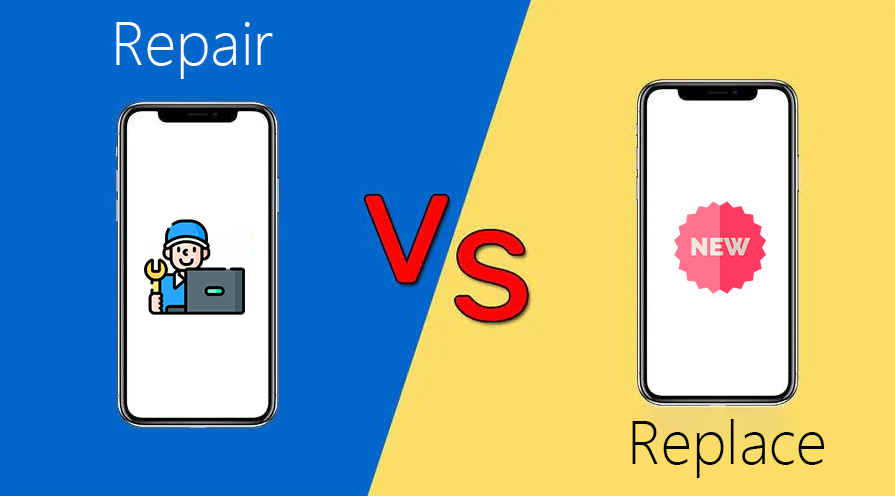
- Damage is too extensive and replacement is the more realistic option
What can usually be fixed (and what probably can’t)
Often fixable (depending on severity)
- Charging and power issues due to minor corrosion on the charging port or power ICs
- Display connectors and drivers damaged by liquid near the top of the board
- Speaker and mic problems when corrosion is limited to those modules
- Moderate board corrosion that hasn’t destroyed key ICs or traces
Hard or impossible to fix reliably
- Severe CPU/NAND damage: If the main processor or storage chip is heavily corroded, the phone may never boot again – data recovery becomes extremely difficult.
- Extensive multilayer board damage: When corrosion has eaten through internal traces, even skilled microsoldering may not restore integrity.
- Repeated water incidents: Multiple exposures over time can leave too much hidden damage for a stable long‑term fix.
- City Phones can explain this trade‑off clearly to customers: sometimes water‑damage repair is about saving data and buying time, not necessarily restoring a perfect, long‑term phone.
IPhone water‑damage repair in Melbourne CBD, St Kilda and Greensborough
You can position the locations like this
- Melbourne CBD: Ideal for emergency walk‑ins from city workers and students who need urgent checks after spills or rain.
- St Kilda: Handy for bayside and inner‑south suburbs where beach and pool exposure are more common.
- Greensborough: Convenient for north‑east suburbs, with Greensborough Plaza access and parking.
Across all locations, the core advice is the same: act quickly, don’t keep using or charging a wet IPhone, and let a technician inspect the damage before corrosion has more time to spread.
Final thoughts
IPhone water resistance is helpful for everyday splashes, but it’s not a guarantee and it decreases with age, drops and wear. If your IPhone has been exposed to water, the most important steps are simple: turn it off, don’t charge it, avoid rice and heat, and get it checked as soon as you can.
By understanding what professional IPhone water‑damage repair in Melbourne CBD, St Kilda and Greensborough can and can’t do, you can set realistic expectations for customers, protect their data and often save a phone that might otherwise have been written off too soon.



Leave a Reply