
Exploring the best tablets and accessories for students in 2026
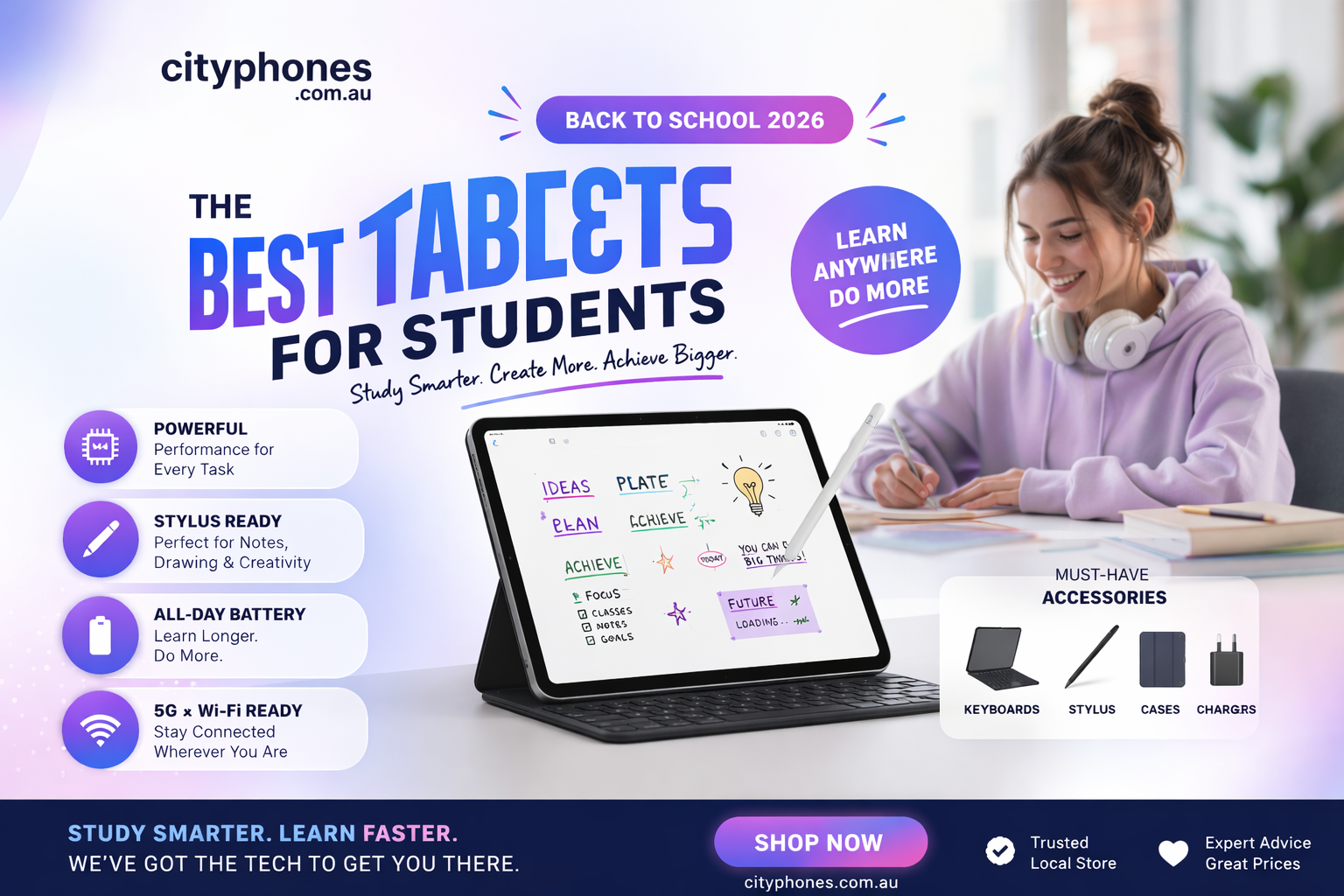
Tablets have become a main study tool for many students, replacing bulky laptops for note‑taking, reading, video classes and light creative work. In 2026 there are more options than ever, from powerful iPads to value‑packed Android tablets with stylus support.
In this blog, we’ll look at some of the best tablets for students this year, the accessories that make them genuinely useful for school and uni, and how City Phones can help you keep them protected and running smoothly.
What students should look for in a tablet
Before picking a brand, it helps to know what actually matters for study:
- Display size and quality – Around 10 -11 inches is the sweet spot: big enough for notes and PDFs, still light to carry.
- Battery life – Aim for a full day of classes and study (8–10 hours or more) without needing a charger.
- Stylus support – A good pen makes handwritten notes, diagrams and maths much
- Keyboard options – Detachable keyboards help turn a tablet into a mini‑laptop for essays and emails.
- Budget – Entry‑level models are often powerful enough; you don’t always need the top‑of‑the‑line Pro.
With that in mind, here are a few strong choices.
iPad (2025/11th‑gen): simple and reliable for most students
Apple’s 10.9‑inch iPad (2025/11th‑gen) is designed as an affordable all‑rounder and is heavily recommended for students and families. It offers a 10.9‑inch Liquid Retina
display, Apple’s A15/A16‑class chip, up to 10 hours of battery life and support for the Apple Pencil (USB‑C) for handwritten notes and sketching.
For many school and uni tasks – note‑taking, research, PDFs, recorded lectures and some light photo or video work – this base iPad is more than enough, especially when paired with a simple keyboard case. If you need heavier creative apps (video editing, 3D, pro drawing), the iPad Air or iPad Pro models offer more power but at a higher price.
Samsung Galaxy Tab S10 FE+: a great study buddy on Android
On the Android side, the Samsung Galaxy Tab S10 FE+ is often highlighted as a strong student tablet. It has a large high‑brightness display (up to around 800 nits) that stays readable even near sunny windows, plus a smooth 90 Hz refresh rate for scrolling notes, browsing and video.
Samsung includes the S Pen in the box, so you don’t have to pay extra for a stylus, and software features like Handwriting Assist, Math Solve and Samsung Notes make it easy to tidy up notes and work through problems. Combined with a keyboard cover, it becomes a flexible device for both lectures and entertainment.
Lenovo and other value options
Not every student needs an Apple or Samsung flagship. Brands like Lenovo, Honor and Xiaomi now offer powerful Android tablets that appear in many “best tablets of 2026” lists. For example, Lenovo’s upcoming Tab P13 Pro is aimed at users who want a large, sharp AMOLED display, strong Snapdragon performance and optional keyboard and pen support for productivity.
These tablets can be great value – especially if you mainly use web apps, Google Workspace and cloud‑based tools – and they often come with bigger screens or more storage for the price. Just make sure the apps your school or uni relies on are available on Android before you commit.
Must‑have accessories for student tablets
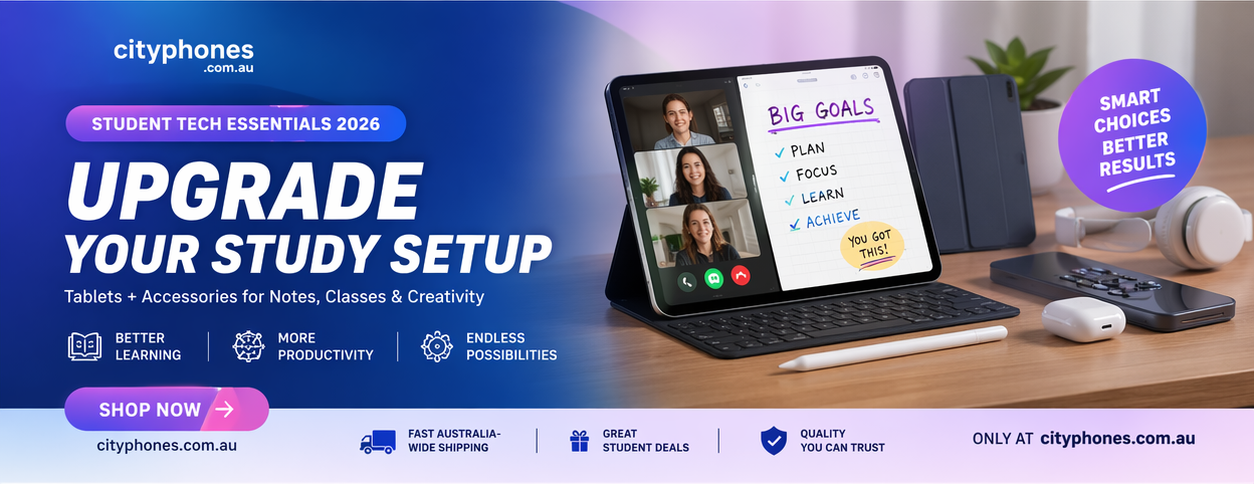
The tablet is just the start. The right accessories can turn it into a serious study machine and help prevent expensive damage.
1. Protective case and screen protector
A solid case plus a tempered glass screen protector is the first thing we recommend for any student tablet. Large displays are expensive to replace, and a good case can save your device from drops in backpacks, lecture halls and public transport. City Phones already stocks a wide range of phone cases and tempered glass with one‑year replacement options, and similar principles apply to tablet protection.
Look for a case with raised edges around the screen and corners, and if you use a stylus, consider designs with a pen holder so it doesn’t go missing.
2. Keyboard covers and stands
A detachable keyboard cover or slim Bluetooth keyboard is ideal for essays, long emails and coding assignments. Many modern tablets, including iPads and Lenovo models, support official or third‑party keyboard cases that also double as a stand so you can type at a comfortable angle.
If you don’t want a full keyboard case, even a lightweight foldable stand can make reading and video calls more comfortable at a desk.
3. Stylus / digital pen
For subjects that involve diagrams, maths or handwritten notes, a stylus is game‑changing. Apple’s USB‑C Apple Pencil and Samsung’s S Pen support pressure sensitivity, palm rejection and handy shortcuts, making them great for quick annotations, mind‑maps and sketching.
Many third‑party pens also work with supported tablets, but for precise writing and low latency, the official ones usually perform best.
4. Power banks and chargers
Students are often moving between lectures, libraries and part‑time work, so a compact power bank or fast USB‑C charger is essential. Tablets with bigger screens and higher refresh rates can drain faster during video calls or intensive apps, and having backup power avoids scrambling for wall sockets on campus.
At City Phones, power banks and fast‑charging cables are already popular accessories for phone users, and the same gear is now increasingly used to keep tablets topped up through long study days.
How City Phones can support students and their tablets
City Phones in Melbourne is already known for fast iPhone and Samsung repairs, and they also service other major brands like Microsoft Surface and various Android devices. This experience transfers well to student tablets whether it’s a cracked screen, battery replacement or charging port issue.
Alongside repairs, City Phones stocks cases, screen protectors and charging accessories, and regularly highlights the importance of good protection in its tech accessories blogs and social posts. If you’re unsure which tablet or accessories make sense for your course and budget, the team can help you choose a practical combination rather than just the flashiest model.









Leave a Reply