
Google Pixel repair in Melbourne CBD, St Kilda and Greensborough: common problems and quick fixes
Google Pixel phones are known for their clean Android experience and excellent cameras, but like any smartphone they can still suffer from cracked screens, charging issues and battery problems over time. When that happens, it’s easy to feel stuck between living with the problem or buying a new phone.
In this guide, we’ll walk through common Google Pixel problems, quick troubleshooting steps you can try yourself, and when it’s worth booking a Google Pixel repair in Melbourne CBD, St Kilda or Greensborough with a specialist like City Phones.
Where City Phones fits in for Google Pixel repair
City Phones is an independent repair company that works on a wide range of smartphones, including the latest Google Pixel models. With repair stores in Melbourne CBD, St Kilda and Greensborough, they provide convenient walk‑in and booked appointments for:
- Google Pixel screen replacement
- Battery and charging port repairs
- Camera, speaker and microphone issues
- General diagnostics when the phone won’t turn on or keeps freezing
Because Pixel repairs often involve OLED screens and delicate soldered components, using a technician who regularly handles this brand gives you a better chance of a successful, long‑lasting fix.
Problem 1: Cracked or unresponsive Pixel screen
How it usually looks
Drops are the most common reason people search for Google Pixel screen repair Melbourne or Pixel screen repair Greensborough. Typical symptoms include:
- Cracked or shattered front glass
- Touch not responding in parts of the screen
- Vertical or horizontal lines, green tint or flickering
- Screen stays black even though the phone rings or vibrates
Google’s own support articles say that if a Pixel screen is cracked, shows lines or won’t turn on, it’s likely a hardware issue that needs repair.
Quick checks you can try at home
- Restart and update: If the display is glitchy but not physically damaged, restart the phone and check for Android updates via Settings → System → System update.
- Safe mode: Boot into Safe mode to rule out misbehaving apps (if the screen works normally in Safe mode but not in normal mode, software may be involved).
If you still see cracks, lines, flicker or no image at all, the underlying OLED/LCD is almost certainly damaged. At that point, a professional screen replacement is the only real fix software resets won’t help.
Problem 2: Pixel won’t charge or turn on
How it usually looks
Charging and power issues are another major reason for Google Pixel repair. Common symptoms:
- Phone doesn’t respond when plugged into the charger
- Shows a battery icon but never actually boots
- Powers on briefly, then shuts itself off
- Only charges in certain cable positions (loose port)
Quick checks you can try at home
Google recommends a few steps before you book a repair:
- Test another charger and cable you know works, ideally a USB‑C PD charger rated for at least 15–30 W.
- Inspect and gently clean the USB‑C port with a soft, dry brush to remove lint or dust avoid metal objects.
- Charge for at least 30 minutes, then force restart:
- On Pixel 6 and later: hold Power + Volume Up together for a few seconds.
If the phone stays completely dead after these steps, or only shows brief signs of life, there’s likely a deeper battery, charging IC or board fault. Google’s own guidance at this point is to contact a repair centre or authorised partner.
At City Phones, technicians can run tests on the battery, charging port and internal power circuits, then advise whether a battery swap, port repair or more complex work is required.
Problem 3: Fast battery drain and overheating
How it usually looks
Even with Adaptive Battery, Pixel phones can suffer from fast drain as apps, system updates and age take their toll. Signs your battery may be struggling include:
- Battery dropping sharply even with light use
- Phone getting hot when you’re only browsing or using social media
- Needing to recharge twice a day when you didn’t before
Quick checks you can try at home
Google suggests a few software level checks first:
- Update Android and apps to the latest versions (Settings → System → Software update; and Play Store → Manage apps & devices → Updates).
- Check battery usage (Settings → Battery → Battery usage) and restrict or uninstall any app using an unusually high percentage in the background.
- Use Adaptive Battery and optimisation in Settings → Battery and Settings → Apps → App battery usage.
If the phone is 2–3 years old and still drains very quickly even after optimising settings and apps, the battery itself may be worn out. At that point, a Google Pixel battery replacement at a repair centre can restore more normal day‑to‑day usage.
Problem 4: Camera, speaker and microphone issues
How it usually looks
Pixel phones are known for their cameras, so any issues here are especially noticeable. Common complaints include:
- Blurry or out‑of‑focus photos
- Rattling noises from the camera module when the phone is moved
- Very low call volume or distorted sound
- People can’t hear you clearly on calls
Google notes that slight rattling in Pixel camera modules is normal because of the optical stabilisation hardware, but persistent blurriness or focus problems usually indicate lens or sensor issues.
For speakers and microphones, dust and debris in the grills or minor impact damage can affect sound quality.
Quick checks you can try at home
- Clean the camera lens and laser sensor gently with a soft cloth to remove smudges.
- Clean speaker and mic openings with a soft, dry brush—never sharp objects.
- Test in multiple apps (camera, calls, voice recorder) to confirm it’s not app‑
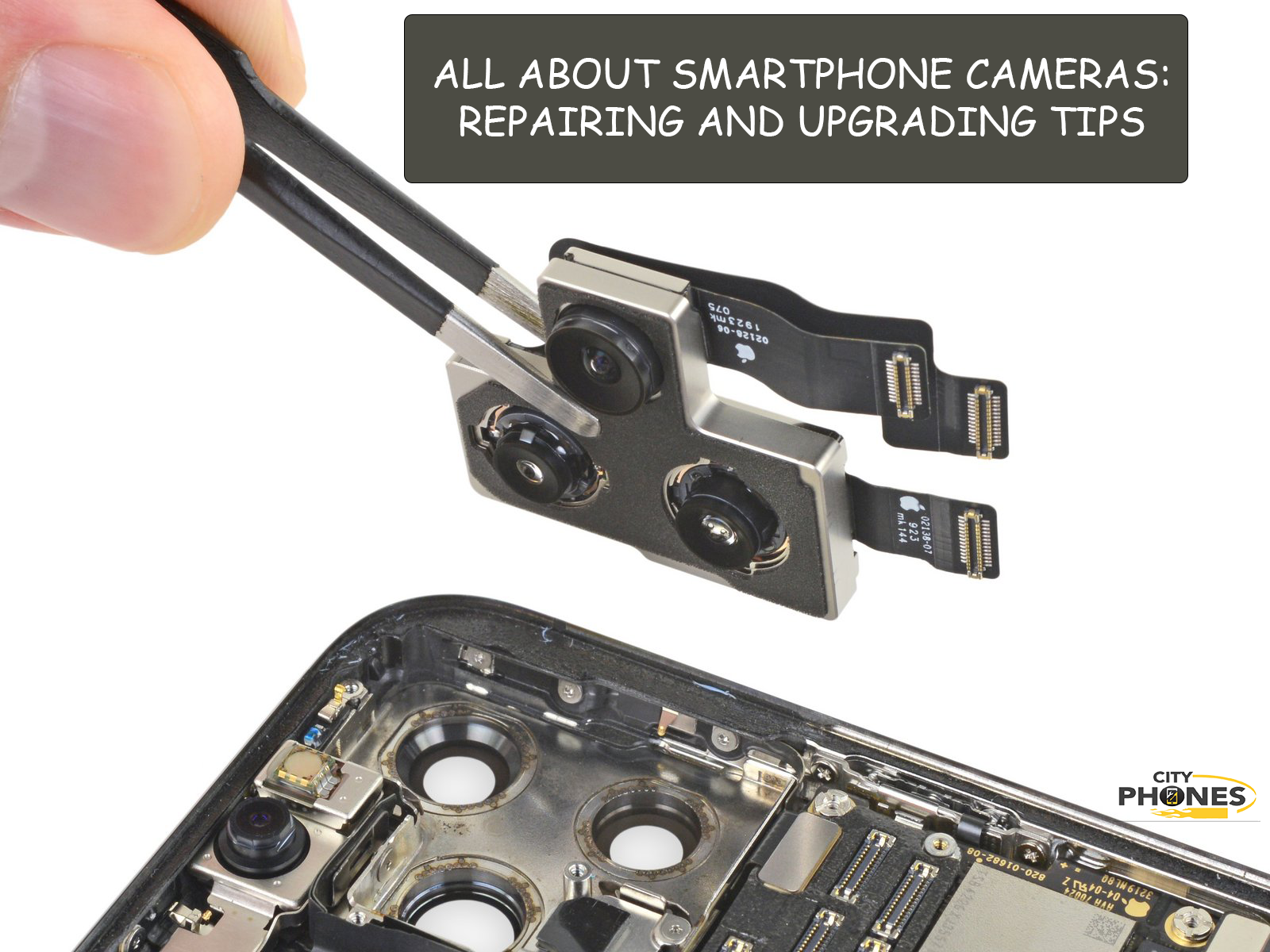
If problems persist after cleaning and app tests, a technician can inspect the camera module, speakers or microphones and replace faulty parts as needed.
Repair options in Melbourne CBD, St Kilda and Greensborough
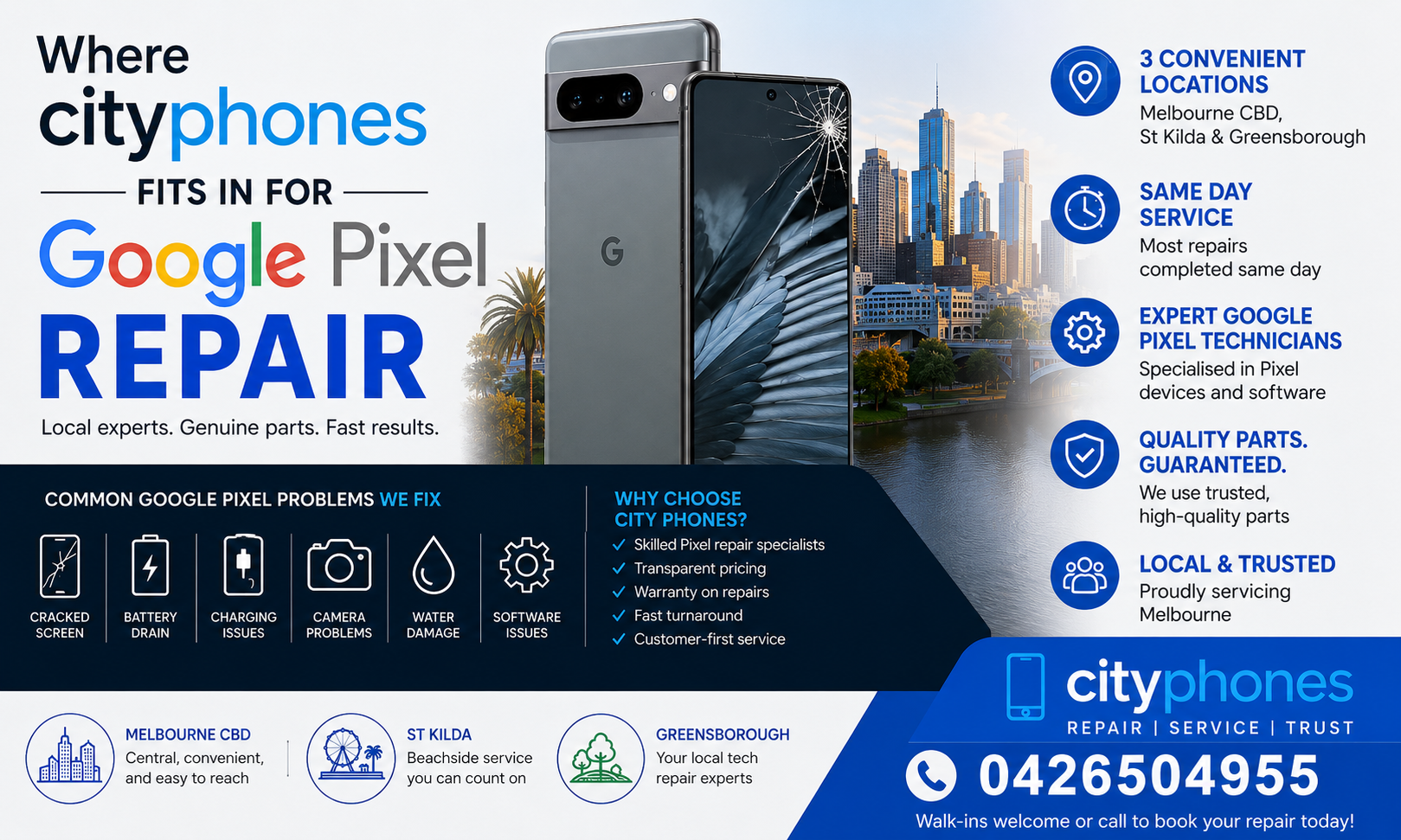
When you’re ready for professional help, you can choose whichever City Phones location suits you best:
- Melbourne CBD: Perfect if you’re working or studying in the city and want to drop off your Pixel during a break.
- St Kilda: Handy for inner‑south and bayside suburbs needing Pixel screen repair or battery work closer to home.
- Greensborough: Ideal for north‑eastern suburbs, with the store located in Greensborough Plaza and easy parking access.
Across all locations, the repair flow is similar:
- Check‑in and diagnosis – The team confirms your Pixel model, replicates the issue and inspects for signs of impact or liquid damage.
- Clear quote upfront – You get a price and estimated timeframe before any repair begins.
- Repair and testing – Technicians replace the necessary parts, then test touch, display, cameras, audio and charging before handing the phone back.
- Warranty – Repairs are backed by a standard warranty on parts and labour for peace of mind.
When to stop DIY and book a Pixel repair
It’s worth trying basic troubleshooting once restarts, updates, cleaning ports and checking battery usage. But you should stop DIY and look at Google Pixel repair in Melbourne CBD, St Kilda or Greensborough when you notice:
- Cracked or smashed screens, lines or green tint in the display
- No response to charging even with known‑good cables and chargers
- Severe battery drain or overheating after following Google’s battery tips
- Camera, speaker or microphone issues across multiple apps
At that point, continuing to use a damaged phone can make the issue worse and increase the eventual repair cost.
Final thoughts
A Google Pixel with a cracked screen, failing battery or unreliable charging doesn’t automatically need to be replaced. In many cases, a well‑done repair screen, battery, port or camera can add years of life to your device at a much lower cost than buying new.
By understanding the most common Pixel problems and your local options for Google Pixel repair in Melbourne CBD, St Kilda and Greensborough, you can make a confident decision, fix the real issue and get back to using your phone without constant frustration.






Leave a Reply