
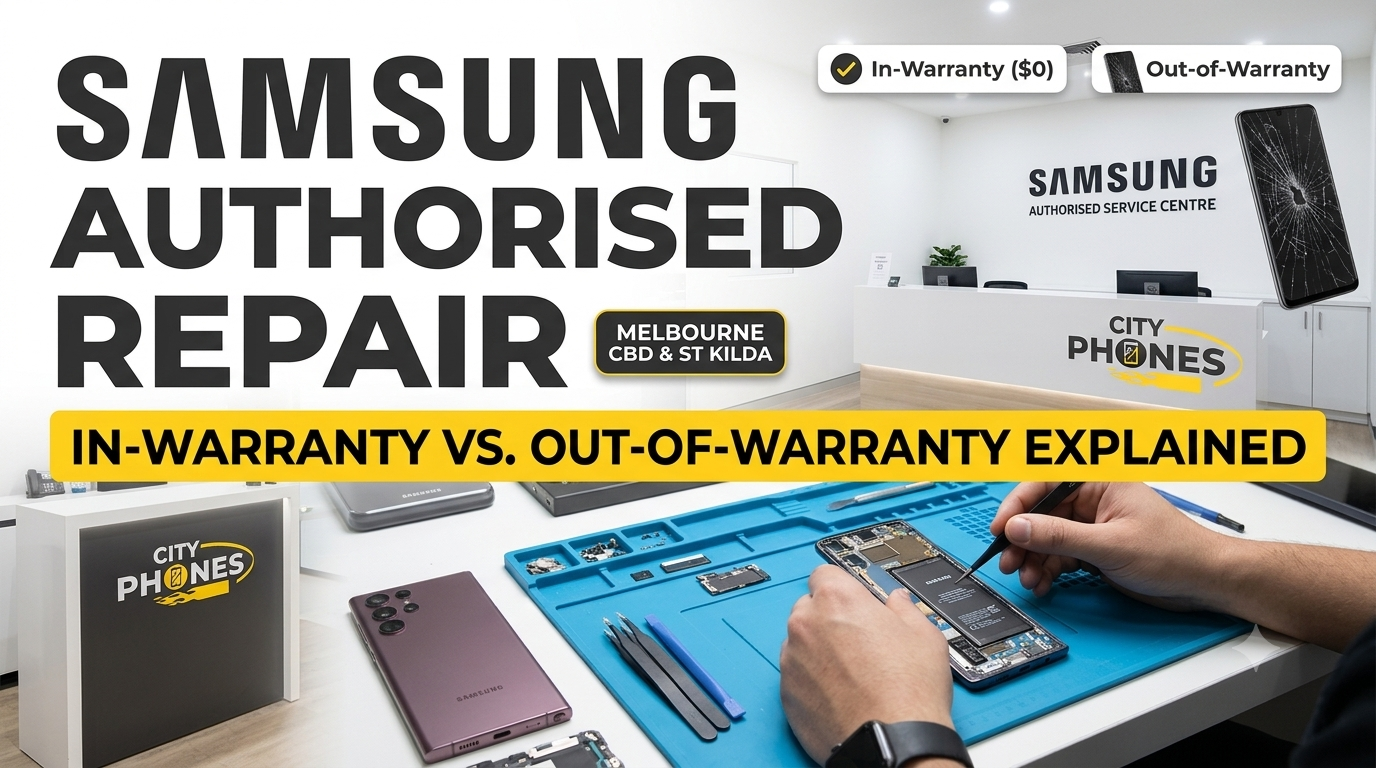
Samsung Authorised Repair in Melbourne CBD: In-Warranty vs. Out-of-Warranty Explained
If your Samsung Galaxy phone develops a fault, drops onto concrete, or stops holding a charge, knowing where to take it – and whether the repair is covered under warranty – can save you days of frustration.
Need an official Samsung Authorised Service Centre in Melbourne CBD? .
CityPhones is now located at 148 Elizabeth Street, Melbourne VIC 3000 – an easy walk from both Flinders Street and Melbourne Central stations. Whether your Galaxy is fresh out of the box or a few years old, knowing the difference between in-warranty and out-of-warranty repairs ensures you get genuine Samsung parts and the fastest possible turnaround.
Why Choose a Samsung Authorised Service Centre?
Taking your Galaxy device to an authorised centre rather than an uncertified corner kiosk protects both your phone’s performance and its resale value:
100% Genuine Samsung Parts: Every replacement screen, battery, camera module, and charging port comes directly from Samsung’s official supply chain.
- Factory-Trained Technicians & Diagnostics: Repairs follow strict Samsung diagnostic standards, preserving Galaxy AI features, 120Hz Dynamic AMOLED calibration, and ultrasonic fingerprint sensors.
- Water-Resistance Re-Sealing: Authorised technicians use factory-grade adhesives and pressure-testing equipment to restore your phone’s IP67/IP68 dust and water resistance after opening the chassis.
- Warranty Protection: Having an out-of-warranty screen or battery fixed at an authorised centre ensures the rest of your manufacturer warranty remains intact.
In-Warranty vs. Out-of-Warranty: What’s the Difference?
Many Melbourne Galaxy owners aren’t sure whether their issue qualifies for a free warranty repair or requires a paid service. Here is how Samsung’s coverage breaks down:
| Feature | In-Warranty Repair | Out-of-Warranty Repair |
| What It Covers | Manufacturing defects, hardware malfunctions (faulty speakers, mic, motherboard issues, premature battery failure), and software glitches not caused by user damage. | Accidental drops, cracked glass or OLED displays, liquid/water ingress, bent frames, and normal battery wear after the warranty period. |
| Repair Cost | $0 (covered under Samsung’s Australian manufacturer warranty or Australian Consumer Law). | Transparent, upfront quote based on the model and part required. |
| Warranty Status | Keeps your original Samsung warranty active. | Comes with a dedicated parts and labour repair warranty from CityPhones. |
| Turnaround Time | Subject to diagnostic verification and part availability (often same-day for common components). | Most standard repairs—including screens, batteries, and charging ports—are completed same-day (30–90 minutes). |
Common Examples
- Covered In-Warranty: Your Samsung Galaxy S26 suddenly refuses to connect to mobile networks, the rear camera fails to focus without any drop marks, or the screen develops a defect with zero physical impact.
- Covered Out-of-Warranty: You drop your Samsung Galaxy S26 Ultra on Swanston Street and crack the display, your Samsung Galaxy Z Flip6 inner screen suffers impact damage, or a 3-year-old Galaxy battery needs routine replacement.
Important Note on Physical Damage: Even if your phone is only two months old, a cracked screen or liquid damage is classified as accidental damage and falls under out-of-warranty repair unless you hold an active Samsung Care+ plan.
What to Do Before Visiting 148 Elizabeth Street
To make your visit to our Melbourne CBD centre as smooth and fast as possible, run through this quick checklist before heading in:
- Back Up Your Data: Use Samsung Cloud, Smart Switch, or Google Drive to back up photos, WhatsApp chats, and files. In-warranty diagnostics and certain board-level repairs may require a factory reset.
- Bring Proof of Purchase (For Warranty Claims): Have your digital receipt or tax invoice showing the purchase date, retailer, and IMEI/serial number ready.
- Disable Lock Screen Security or Enable Maintenance Mode: On modern Galaxy devices, go to Settings > Device care > Maintenance mode so technicians can run full hardware tests without accessing your personal apps or photos.
- Check Your Model Service Page: You can view estimated repair times and component breakdowns in advance on our dedicated model pages, including Samsung Galaxy S26 Plus Repair, Samsung Galaxy Z Flip5 Repair, and Samsung Galaxy A73 Repair.
Walk-In, Mail-In, or Suburban Store Options Across Melbourne
Can’t make it into the city during work hours? You still have flexible options across Greater Melbourne:
- Melbourne CBD (Samsung Authorised Service Centre): 148 Elizabeth Street, Melbourne VIC 3000 – Open 7 days (Mon–Fri 9:30 am – 6:30 pm, Sat–Sun 10:00 am – 5:00 pm).
- Greensborough Plaza: Level 1, Shop 137, 25 Main Street, Greensborough VIC 3088 – Open 7 days.
- St. Kilda (Samsung Authorised Service Centre): 148 Acland Street, St Kilda VIC 3182 – Open Monday to Saturday.
- Australia-Wide Mail-In Service: If you live outside metro Melbourne, check our guide on mail-in vs. walk-in Samsung mobile repair options to send your device securely via courier.
Book Your Samsung Repair in Melbourne Today
Not sure whether your Galaxy issue is covered under warranty or just needs a quick glass or battery swap? Drop by our 148 Elizabeth Street, Melbourne CBD store for an on-the-spot assessment, check all addresses and trading hours on our CityPhones Store Locations page, or call our team directly on 0426 504 955 for an instant quote.


Leave a Reply