
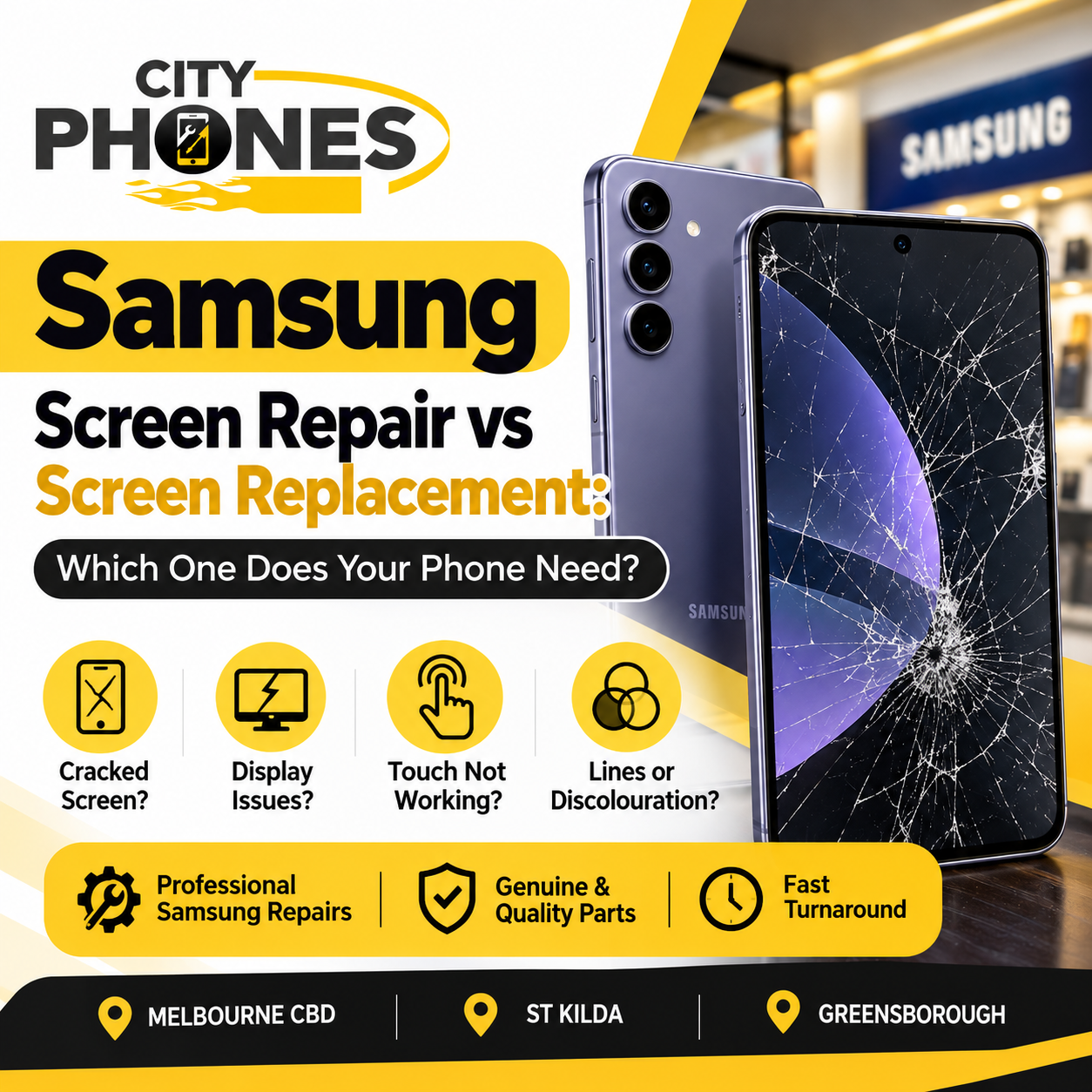
Samsung Screen Repair vs Screen Replacement: Which One Does Your Phone Need?
A cracked or damaged Samsung Galaxy screen does not always mean that the entire display assembly needs to be replaced. Depending on the type and extent of damage, your phone may be suitable for a screen repair or may require a complete screen replacement.
For Samsung users in Melbourne, understanding the difference can help you choose the right repair option and avoid paying for a more extensive repair than necessary.
In this guide, we explain the difference between Samsung screen repair and screen replacement, the signs to look for, and when it is better to have your device professionally inspected.
What Is Samsung Screen Repair?
Samsung screen repair is designed for certain eligible Galaxy models and specific types of damage. Samsung Australia explains that its screen repair solution can be used when the LCD display is damaged but there are no other signs of physical damage to the device, such as dents or chips to the frame.
The repair focuses on the damaged display component rather than replacing the complete screen assembly.
This can be a more cost-effective option when the phone meets the required repair conditions.
What Is Samsung Screen Replacement?
A Samsung screen replacement involves replacing the complete screen assembly.
Depending on the device, this may include the display, frame and other related components. Samsung Australia notes that screen replacement is the broader repair option when the device is not eligible for its screen-only repair solution.
A complete screen replacement may be required when there is extensive damage to the display or surrounding components.
Samsung Screen Repair vs Screen Replacement
The right repair depends on the condition of your phone.
Screen Repair May Be Suitable When:
The display has specific damage but the rest of the device is in good physical condition.
There are no significant dents or chips around the frame.
The phone is an eligible model for the applicable repair process.
A professional inspection confirms that a screen-only repair is appropriate.
Screen Replacement May Be Required When:
The display is severely cracked or damaged.
The screen has major display problems.
The frame or surrounding components are also damaged.
The device does not qualify for a screen repair.
Multiple components need to be replaced as part of the repair.
Because every Samsung Galaxy model is different, the final repair option should be confirmed after the phone has been inspected.
Common Signs Your Samsung Screen Needs Repair
Not every screen problem looks the same. Some damage is immediately visible, while other problems develop after a drop or impact.
Here are some common signs that your Samsung Galaxy may need professional screen service:
-
Cracked Glass
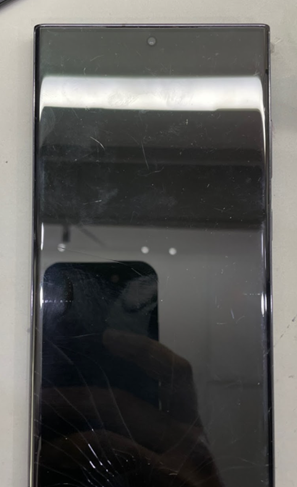
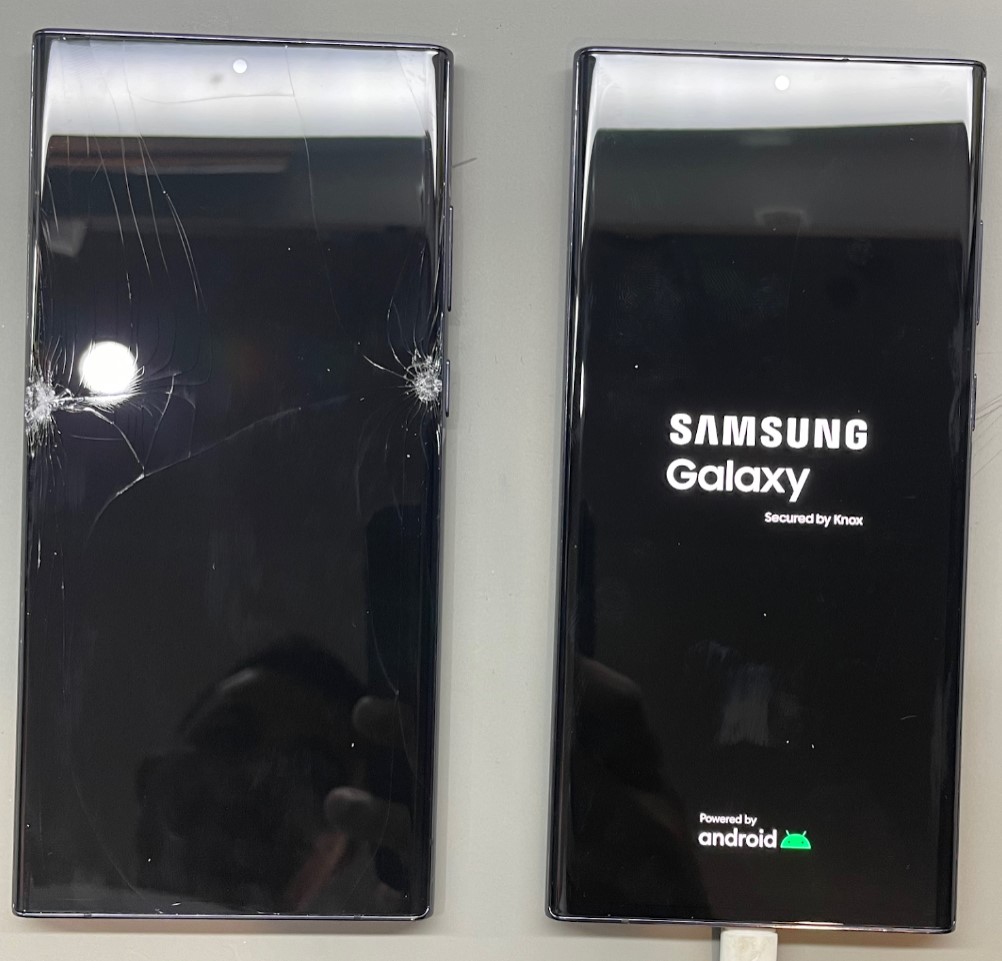
Visible cracks across the front glass are one of the most common reasons customers seek Samsung screen repairs.
Even a small crack can become worse with everyday use, especially when the phone is repeatedly placed in a pocket, bag or case.
-
Black Spots or Display Damage
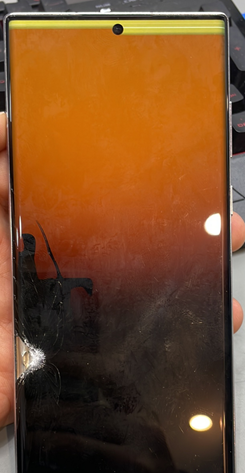
Black areas, lines or unusual patches appearing on the display can indicate damage to the display itself.
In these situations, simply replacing the outer glass may not solve the problem.
-
Touchscreen Problems
If part of your touchscreen does not respond properly, appears delayed or registers touches incorrectly, the display assembly may have been affected.
-
Flickering or Lines on the Screen
Horizontal or vertical lines, flickering or abnormal display behaviour can be signs of internal screen damage.
-
No Display
A phone may still vibrate, receive calls or make sounds while the screen remains completely black.
This generally requires professional diagnosis to determine whether the problem is caused by the screen or another internal component.
Should You Keep Using a Cracked Samsung Screen?
It depends on the condition of the device.
A small cosmetic crack may initially appear manageable, but a damaged screen can become worse after another impact. Sharp glass edges can also make normal use uncomfortable.
More importantly, a phone experiencing display or touch problems should be inspected rather than assuming that the issue will resolve itself.
Backing up your important photos, contacts and other data before a repair is also a good precaution.
Why Professional Diagnosis Matters
A damaged Samsung phone can have more than one problem.
For example, a phone that appears to have a simple screen issue could also have frame damage, connector damage or another internal fault following a drop.
A professional technician can inspect the device and determine which repair option is appropriate instead of automatically replacing the entire screen.
Samsung’s Australian support information also recommends professional assessment to determine whether a device qualifies for its screen repair solution.
What About Samsung Battery Problems?
Screen damage is not the only common reason Samsung users visit a repair centre.
Battery problems can also develop over time. Samsung Australia lists symptoms such as rapid battery drain, unexpected shutdowns and charging problems among the signs that a Galaxy battery may need inspection or replacement.
If your Samsung has both screen and battery issues, it is worth having the device checked at the same time.
Samsung Screen Repairs in Melbourne
City Phones provides Samsung repair services for customers across Melbourne, with locations in:
Melbourne CBD
St Kilda
Greensborough
The team can inspect your Samsung Galaxy and help identify the appropriate repair for the device.
Depending on the model and damage, repair services may include screen repairs, screen replacements, battery replacement, charging-related repairs and other Samsung phone repairs.
The available repair option, price and turnaround time can vary depending on your exact Galaxy model, the parts required and the condition of the device.
Before Bringing Your Samsung Phone for Repair
A few simple steps can make the repair process easier:
Back up your data: Save important photos, contacts and files before handing over your device.
Check your model: Galaxy S, Galaxy A, Galaxy Z and other Samsung models can have different repair requirements.
Describe the problem: Let the technician know whether the phone was dropped, exposed to water, stopped charging or developed display problems suddenly.
Ask for an inspection: The visible damage may not always be the only issue.
Frequently Asked Questions
Is Samsung screen repair cheaper than screen replacement?
A screen repair can be more cost-effective than a complete screen replacement when the device is eligible for the repair option. The exact price depends on the model and condition of the phone.
Can every Samsung Galaxy phone have a screen repair?
No. Samsung’s screen repair option is available only for selected models and specific damage conditions. A technician needs to assess the device.
Should I replace the whole screen if only the glass is cracked?
Not necessarily. The correct repair depends on the condition of the display, touch function, frame and other components.
How long does a Samsung screen repair take?
Turnaround depends on the model, repair type and parts availability. Contact the repair centre before visiting to confirm availability and expected turnaround.
Can City Phones repair Samsung phones in Melbourne?
Yes. City Phones provides Samsung repair services from its Melbourne CBD, St Kilda and Greensborough locations.
For Samsung screen repair and other Samsung phone repair services in Melbourne, City Phones can assess your device and explain the available repair options before work begins.

Leave a Reply