
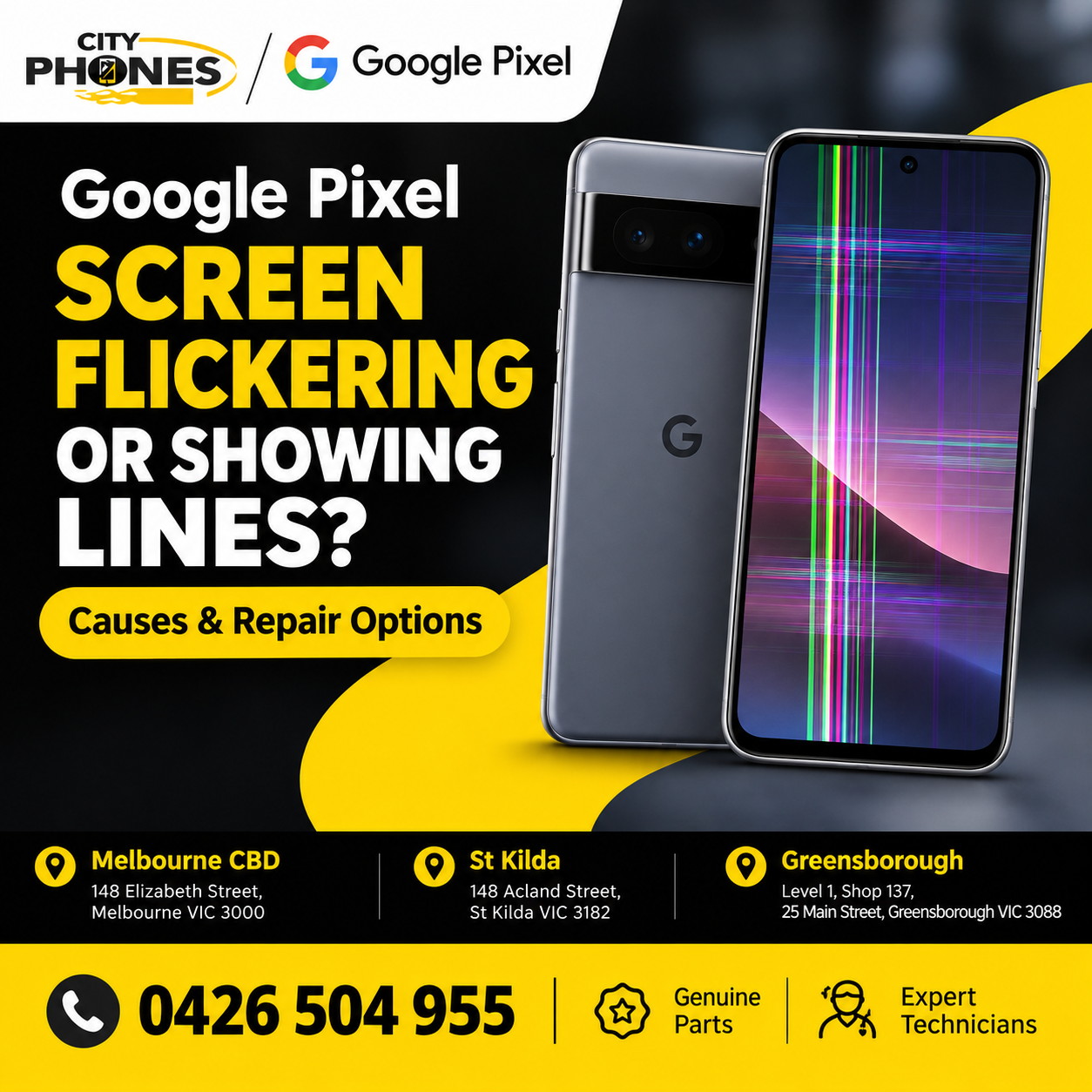
Google Pixel Screen Flickering or Showing Lines? Causes and Repair Options
Google Pixel Screen Flickering or Showing Lines? Causes and Repair Options
You pick up your Google Pixel to check a message, and suddenly the screen starts flickering. Maybe there is a thin green line running down the display, coloured lines appear when you unlock the phone, or parts of the screen keep flashing.
These problems can be frustrating, particularly when your phone was working normally just a few hours earlier.
A flickering display does not always mean you need a new screen. Sometimes a software update or restart can help. In other cases, the display itself may be damaged.
Here is what to check before arranging a Google Pixel screen repair in Melbourne.
Why Is Your Google Pixel Screen Flickering?
The cause depends on when the problem started, what the display looks like and whether the phone has suffered any physical damage.
- A Software or Display Glitch
If the flickering began after a software update, it is worth checking whether another system update is available.
Temporary software problems can sometimes affect how the display behaves. Google has also released updates addressing specific display issues on certain Pixel models, so keeping your phone updated is a sensible first step.
Open Settings → System → Software updates and check for available updates. Menu names may vary slightly by model and Android version.
If the issue continues after updating and restarting the phone, do not assume that another update will necessarily fix it.
- Green, Pink or White Lines on the Display
Coloured lines can appear vertically or horizontally across a Google Pixel screen. You may see a single thin line, several lines or a patch of unusual colours.
If the lines remain in the same position, appear immediately when the display turns on or become more noticeable over time, the screen may have a hardware problem.
A damaged display assembly can cause these symptoms, even when the outer glass looks perfectly fine.
- The Phone Has Been Dropped or Pressed Too Hard
A phone does not always need a badly cracked screen to suffer internal display damage.
An accidental drop, pressure from sitting on the phone or an impact against a hard surface can affect the display components. Sometimes the problem appears immediately; other times, the symptoms become noticeable later.
If flickering or coloured lines started after an impact, arrange an inspection rather than repeatedly restarting the phone.
- Screen Damage or Previous Repair Work
If your Pixel has already had its screen replaced, persistent flickering may require another inspection.
The cause could involve the replacement display, its connections or another component. The symptoms alone are not enough to determine which part has failed.
A technician should diagnose the problem before recommending a replacement.
How to Fix Google Pixel Screen Flickering
Before booking a repair, try these basic checks, provided the phone has no signs of serious physical or liquid damage.
Restart Your Google Pixel
If the display is still usable and the phone is behaving normally otherwise, restart it.
A restart can resolve some temporary software problems. However, it is unlikely to fix a physically damaged display.
Check for Android Updates
Open your phone’s settings and check for the latest available system update.
Install an update if one is available, following the phone’s instructions. If the screen problem continues after the update, further diagnosis may be necessary.
Check Whether the Problem Is App-Specific
Notice when the flickering happens. Does it occur only while using one application, or does it appear on the home screen, lock screen and settings menus as well?
If it happens only in one app, check for an app update and review its settings. If the lines remain visible throughout the phone, a display or system-level issue becomes more likely.
This observation can help narrow down the cause, although it cannot confirm a hardware fault on its own.
Back Up Your Important Data
If the screen is still usable, back up your photos, contacts and other important information.
A display that is getting worse may eventually become difficult or impossible to use. Backing up early can save time and frustration if the phone needs repair.
Avoid a factory reset as your first troubleshooting step. It erases data and may not resolve a hardware-related display fault.
For Google’s own recommendations, see the official guide: Fix screen appearance issues on your Pixel phone.
When Does a Google Pixel Need Screen Repair?
Consider a professional inspection if you notice any of the following:
- Colourd lines remain visible after restarting and updating the phone.
- The screen flickers repeatedly across different apps.
- Part of the display has turned black or stopped showing an image.
- The screen has visible cracks or damage following a drop.
- Touch controls stop responding in the affected area.
- The display problem becomes progressively worse.
These symptoms can indicate hardware damage, but a technician needs to inspect the device to confirm the cause.
If the phone becomes unusually hot, the casing starts separating or you suspect a swollen battery, stop using and charging it and arrange professional assistance.
Google Pixel Screen Replacement or Repair?
Not every display problem requires the same repair.
The right solution depends on the Pixel model, the condition of the screen and the underlying fault. A problem caused by software may not need any replacement parts, while a damaged display may require a screen assembly replacement.
The external glass can also remain intact even when the display underneath has failed.
Before agreeing to a repair, ask for confirmation of the fault, the parts required and the total cost. If the phone is still covered by a manufacturer’s warranty or an applicable repair programme, check your eligibility before paying for an out-of-warranty repair.
Google Pixel Screen Repair in Melbourne
If your Google Pixel screen keeps flickering or showing lines, CityPhones can help you enquire about the available repair options.
CityPhones provides Google Pixel repair services in Melbourne, including screen replacement services.
You can visit or contact our team regarding repairs at:
- Melbourne CBD
- St Kilda
- Greensborough
Repair options, parts availability and costs depend on the particular Pixel model and the damage involved. Confirm availability before visiting, especially if you have a newer Google Pixel device.
Visit our Google Pixel repair page for more information or contact City Phones to discuss your screen problem.
Frequently Asked Questions
Why is my Google Pixel screen flickering but not cracked?
The display may have a software issue or internal hardware damage. A screen does not need visible cracks to develop a fault. Check for software updates first, then arrange an inspection if the problem persists.
Can a software update fix Google Pixel screen flickering?
It can resolve certain software-related display problems, but it will not repair physical screen damage. If the flickering continues after updating and restarting the phone, further diagnosis may be needed.
Why does my Google Pixel have a green or pink line on the screen?
A coloured line can indicate a display-related fault, particularly if it remains visible across different screens. The exact cause cannot be confirmed from the line’s colour alone.
How much does Google Pixel screen repair cost in Melbourne?
The price depends on the Pixel model, the type of screen damage and the parts required. Contact CityPhones with your exact model to confirm the current repair price and availability.
Should I continue using my Google Pixel if the screen is flickering?
If the phone is otherwise safe to use, back up your data and arrange an inspection if the problem persists. Stop using it if you notice swelling, unusual heat or other signs of physical damage that could make continued use unsafe.
Final Thoughts
A flickering Google Pixel screen or coloured lines can have more than one cause. Checking for software updates and restarting the device are sensible first steps, but persistent lines, black patches or repeated flickering may require a professional inspection.
If the problem continues, getting the display checked can help identify the right solution before the fault becomes more disruptive.
Need help with your Google Pixel screen? Contact CityPhones in Melbourne CBD, St Kilda or Greensborough to discuss your repair options.




Leave a Reply