
Top 10 Essential Accessories for University Students in 2026
Top 10 Essential Accessories for University Students in 2026
University life in 2026 demands more than just textbooks and determination. Today’s students navigate a complex digital landscape. Success depends equally on academic prowess and smart technology choices. The right accessories can mean the difference between struggling through all-nighters with dead devices and seamlessly managing coursework, projects, and social connections. From Melbourne to Mumbai, modern university students require tools that enhance productivity, protect valuable devices, and support the demanding lifestyle of contemporary higher education.
Students in Melbourne and across Australia face unique challenges – long commute times between campus and home, extensive library study sessions, group project collaborations, and the need to stay connected across multiple devices throughout demanding academic schedules. This comprehensive guide identifies the ten most essential accessories that every university student needs in 2026. It balances functionality, affordability, and durability to help you maximize your investment while succeeding academically.
1) Premium Phone Cases: Your First Line of Defense
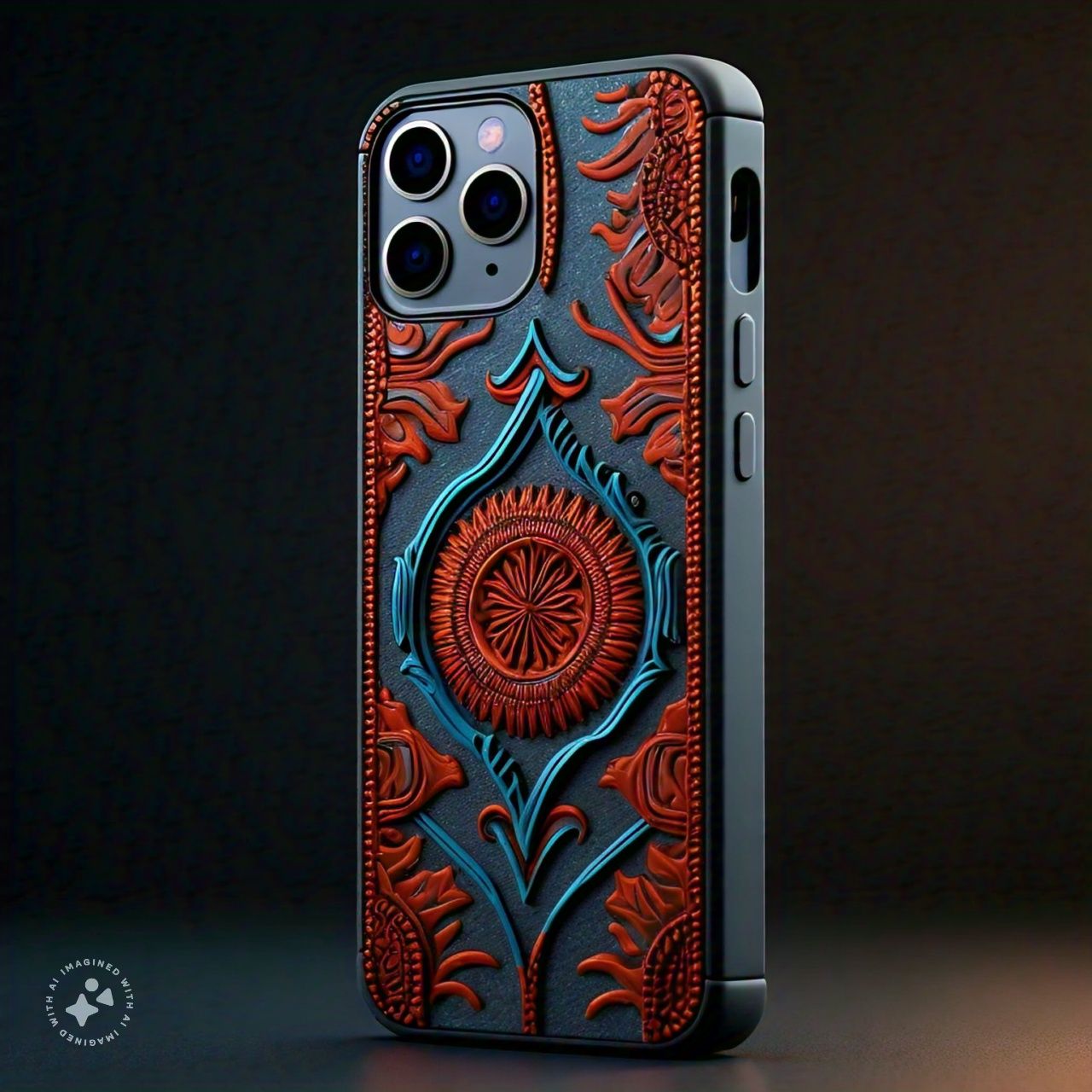
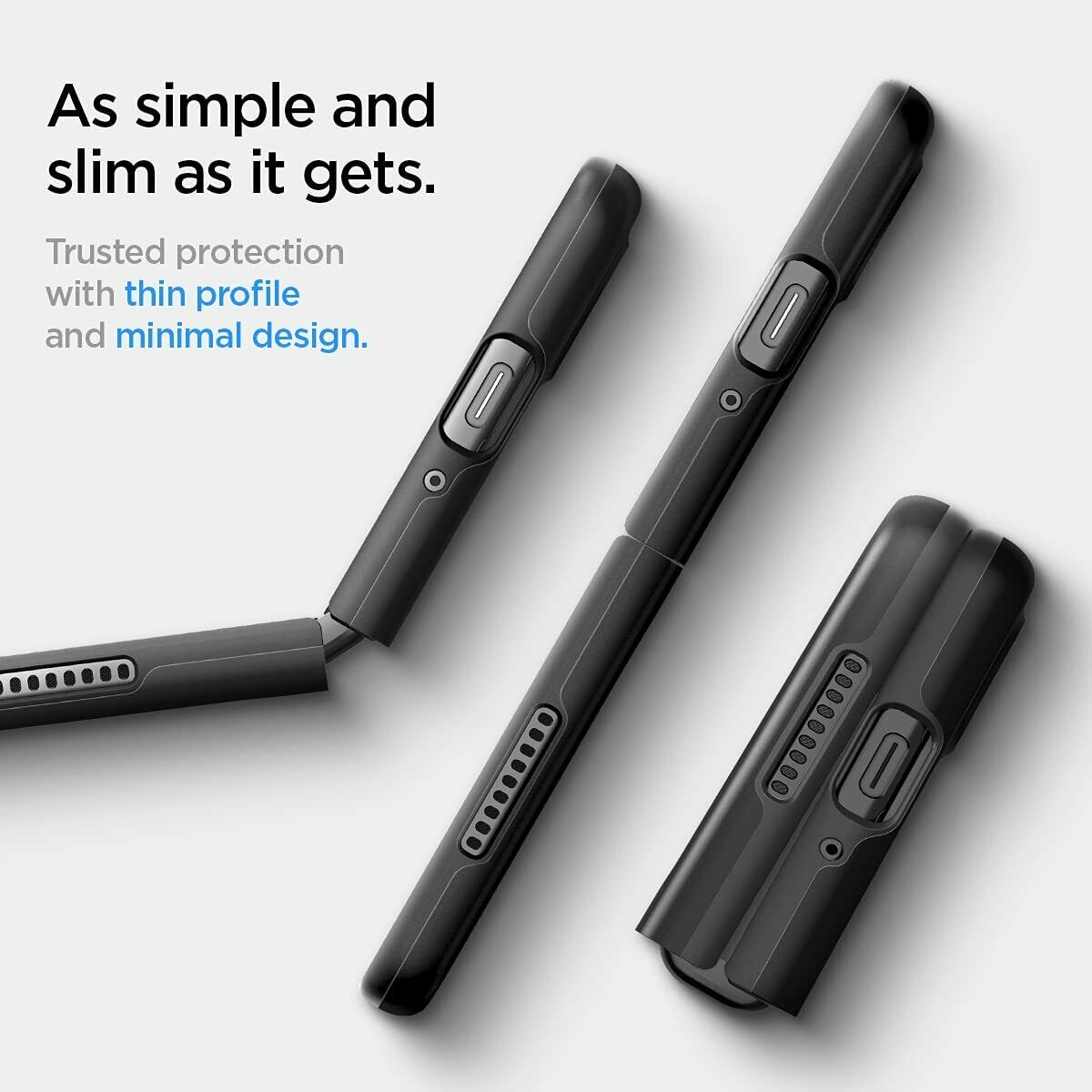
Your smartphone represents your mobile command center, storing crucial academic content, communication channels, and important data. Quality phone cases protect this investment from the constant wear and tear of university life. Students encounter cramped backpacks, crowded campus walks, and inevitable accidental drops.
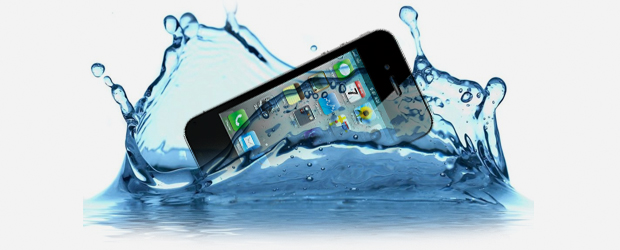
the best student cases balance protection with portability, adding minimal bulk to already full backpacks while providing genuine shock absorption during inevitable drops. Look for reinforced corners, raised bezel protection for screens, and water-resistant materials to safeguard against spilled drinks and unexpected weather.
Premium materials ranging from protective silicone to elegant leather options offer both functionality and personal style expression. Cases with drop-tested protection rated for falls from 2-6 meters provide documented assurance that your device survives university mishaps. Precise cutouts ensure access to all ports, buttons, and cameras without removing your case.
Budget typically ranges from $15-50 depending on materials and brand, with leather and premium options commanding higher prices.
[/vc_column_text]
Tempered Glass Screen Protectors
-
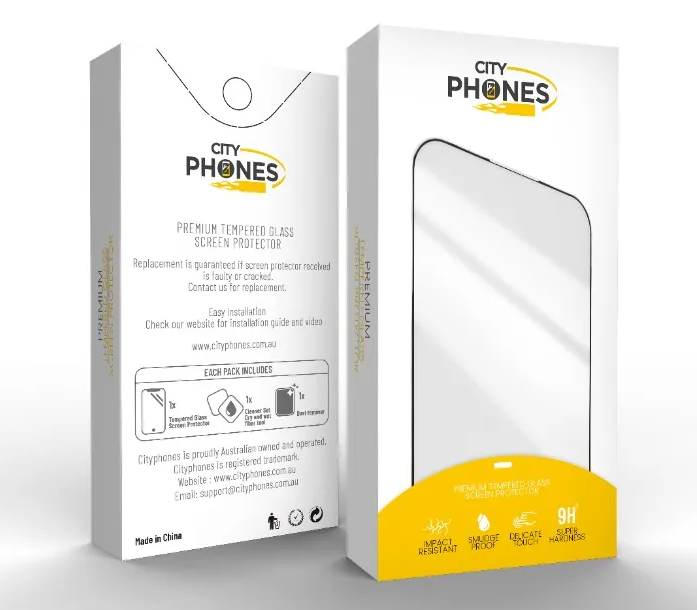
Tempered Glass Screen Protectors: Invisible Protection
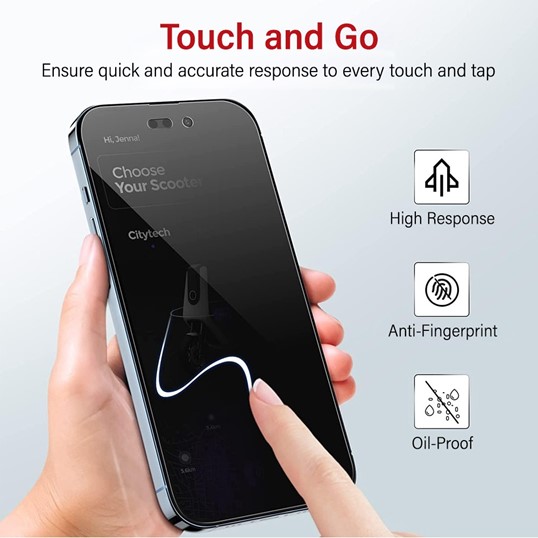
While smartphone displays feature advanced Gorilla Glass and Ceramic Shield technology, they remain vulnerable to the scratches and cracks that inevitably occur during student life. Screen protectors provide essential invisible insurance against this permanent damage. This damage can diminish device value and functionality.
Tempered glass protectors with 9H hardness ratings resist scratches from keys, sand, and daily contact while absorbing impact from drops that would otherwise crack your actual screen. When severe impacts occur, the protector shatters harmlessly – a sacrificial layer that saves your device.
Installation includes microfiber cleaning cloths, alcohol swabs, and dust-removal stickers to ensure bubble-free application. Most quality protectors maintain 99% transparency, preserving your display’s vibrant colors, sharp contrast, and deep blacks.
Pricing typically ranges $14.99-$39.99 per protector depending on device model, with many retailers offering one-year free replacement warranties
3. Fast Charging Adapters: Keep Your Devices Powered
-
Fast Charging Adapters: Keep Your Devices Powered
University schedules demand constant connectivity—navigating between classes, researching assignments, coordinating group projects, and staying connected with friends. Dead batteries
represent genuine academic emergencies when presentations require laptops or missed messages from study group members cause schedule conflicts.
Common Fast Charging Options:
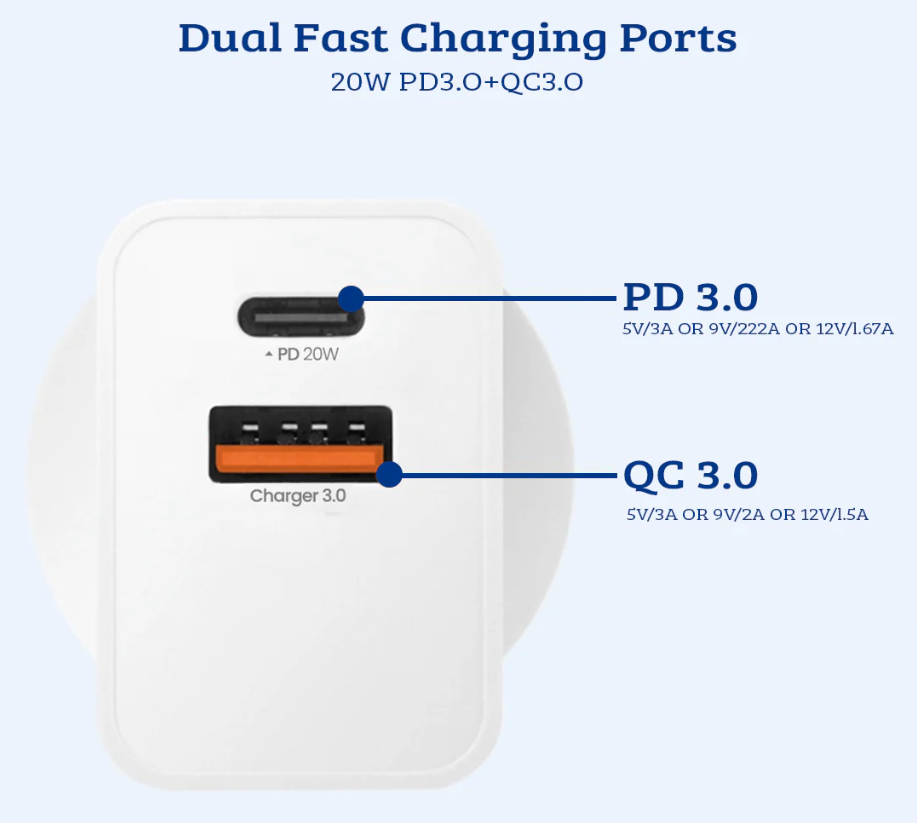
- 20W Fast Charging Adapter PD3.0+QC3.0 ($19.99) – Ideal for standard phones, providing rapid charging from minimal power draw
- 30W Fast Charging Adapter PD3.0+QC3.0 ($24.99) – Perfect for tablets and multiple device charging
- 35W USB-C Dual Ports Charging Adapter ($34.99) – Advanced option for students with multiple USB-C devices
These iQuick adapters deliver significantly faster charging than standard chargers, adding hours to your device battery in minutes rather than the slow trickle of basic chargers. USB Power Delivery (PD) technology intelligently adjusts power output to your device. As a result, this ensures safe, optimized charging.
4. Portable Power Bank: Never Run Out of Battery
-
Portable Power Bank: Never Run Out of Battery
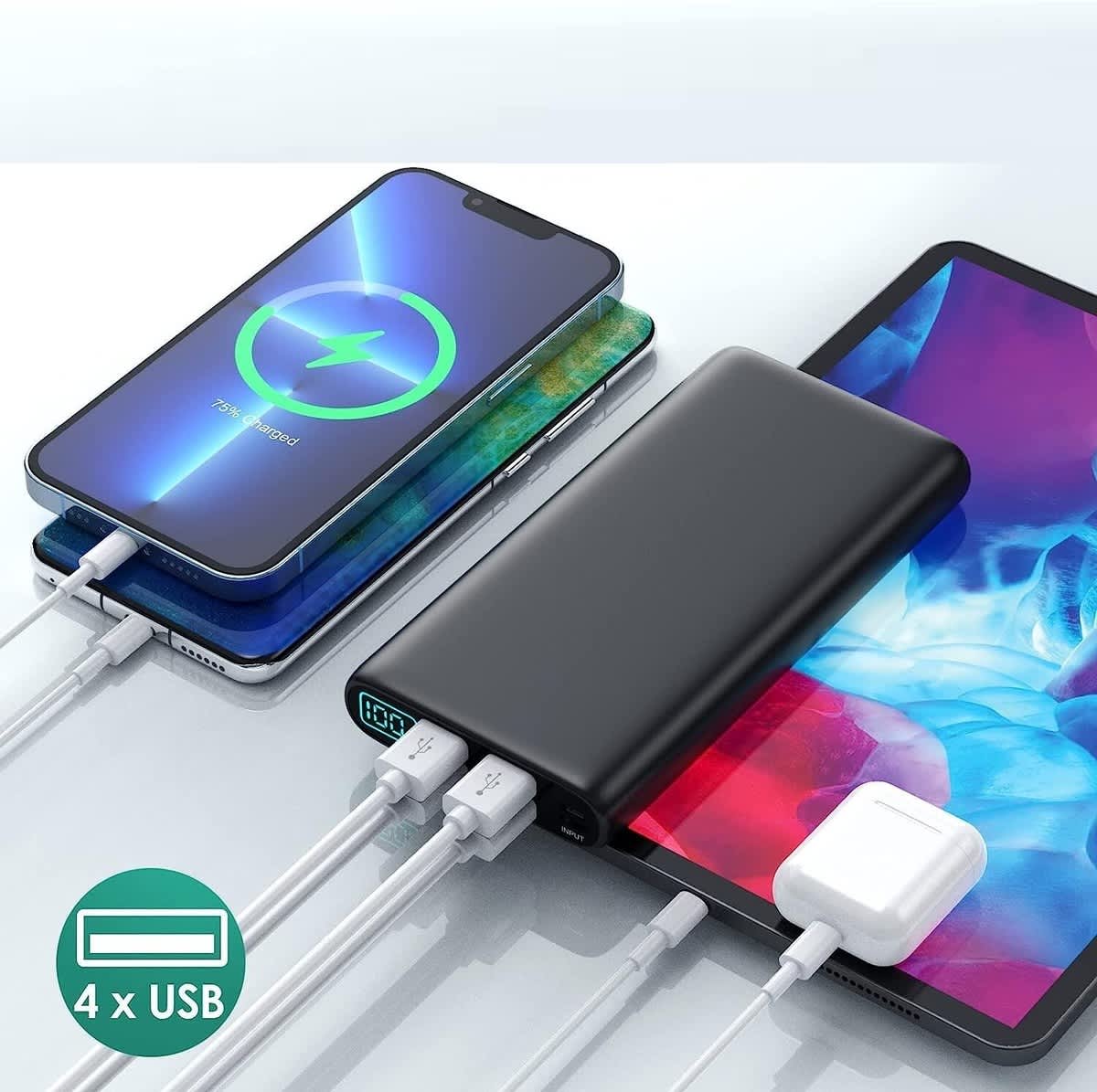
University students live perpetually tethered to their devices—smartphones for communication and research, tablets for note-taking, smartwatches for fitness tracking—making portable power banks absolutely essential survival tools. Between marathon library study sessions, long commutes, back-to-back classes, and unexpected schedule changes, your devices face constant power drainage. Campus outlets alone cannot sustain their power needs.
The Student Battery Crisis
Consider a typical university day: You leave home at 7 AM with a full phone charge, use navigation and music during your hour commute, check schedules and emails between classes, photograph lecture slides, research assignments during breaks, coordinate group meetings via messaging, and don’t return home until 9 PM. By midday, your battery hits critical levels. Then you’re scrambling for available power outlets in overcrowded libraries where every seat near an outlet is perpetually occupied.
Quality power banks eliminate this daily anxiety, ensuring your devices remain operational throughout even the longest, most demanding days. We’ve seen countless stressed students arrive seeking emergency charging solutions. This is a problem easily prevented with proper power bank investment.
5) Noise-Cancelling Headphones: Focus in Chaos
5) Noise-Cancelling Headphones: Focus in Chaos
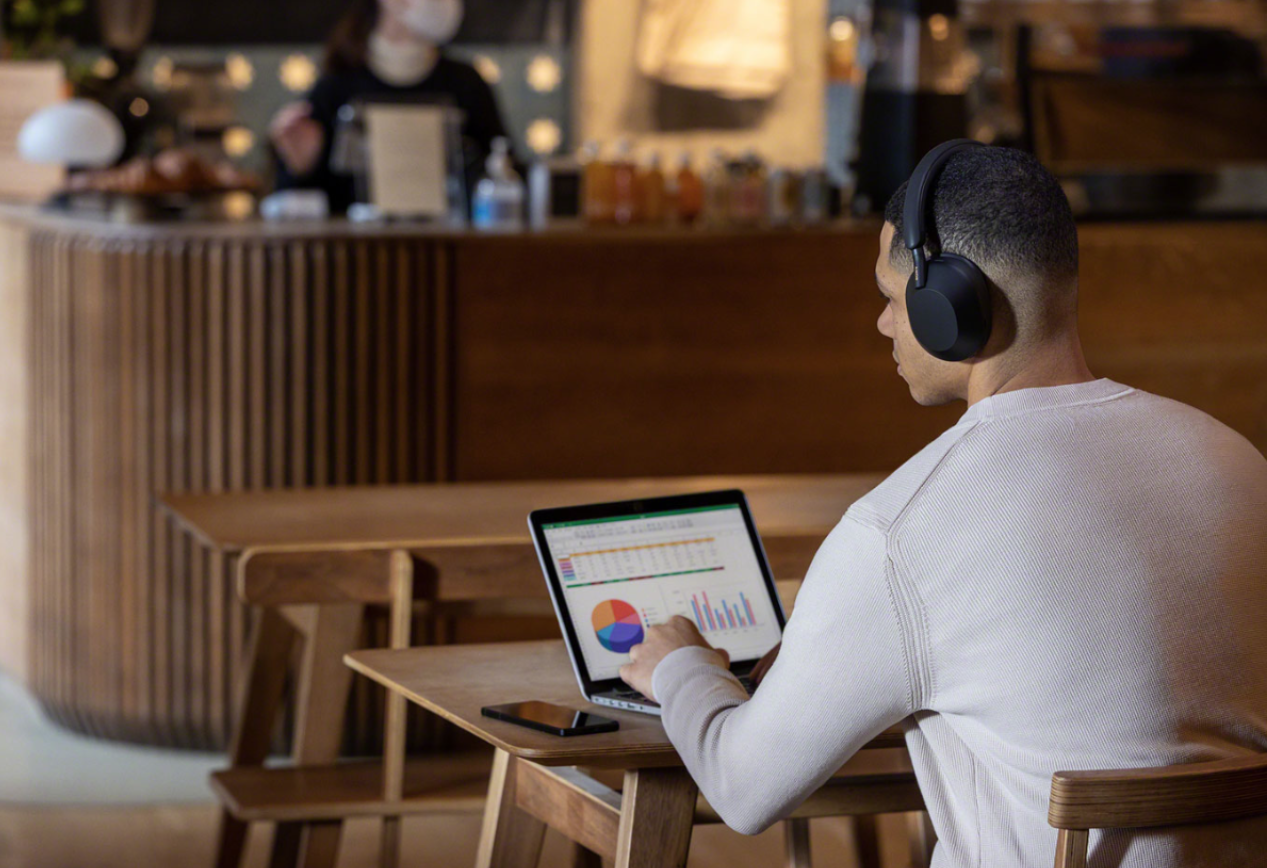
University environments rarely provide perfect quiet for focused study. Dormitories buzz with roommate activities, libraries fill with whispered conversations and shuffling papers, coffee shops blast background music, and campus common areas overflow with social chatter. Noise-cancelling headphones create personal sanctuaries of silence. Notably, these enable deep focus regardless of environmental chaos.
The Science of Productive Studying
Research consistently demonstrates that environmental noise significantly impairs concentration, reading comprehension, and memory retention. Students attempting to study in noisy environments experience increased stress, reduced productivity, and greater mental fatigue compared to those working in quieter conditions. However, complete silence isn’t always accessible or even desirable. In fact, many students concentrate better with controlled background sounds like instrumental music or ambient noise.
Noise-cancelling headphones solve both challenges simultaneously, eliminating disruptive environmental sounds while allowing students to create optimal personal audio environments for maximum concentration. Active noise cancellation technology uses microphones to detect external sounds and generates inverse sound waves that effectively cancel incoming noise. This feature creates near-silence even in loud environments.
Features That Matter for Students
Comfortable, over-ear designs with memory foam padding enable hours of continuous wear during marathon study sessions without causing painful pressure points or headaches. Extended battery life – ideally 20-30 hours between charges – ensures headphones remain functional throughout long campus days. This means you won’t require constant recharging.
Effective active noise cancellation (ANC) blocks low-frequency sounds like traffic rumble, HVAC systems, and distant conversations that prove most distracting during study. Ambient mode or transparency features allow quick awareness of surroundings without removing headphones. This feature is useful for brief conversations with study partners or listening for announcement calls.
Wired connectivity options provide backup when batteries die mid-study session, essential reliability for students working on critical assignments. Foldable designs with included carrying cases protect headphones during transport in overstuffed backpacks.
5) Noise-Cancelling Headphones: Focus in Chaos
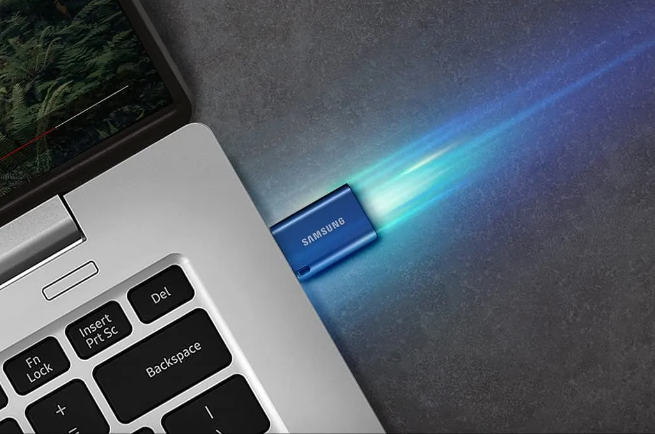
6) USB Flash Drives: Portable Storage That Saves Lives
Despite cloud storage proliferation, USB flash drives remain essential university accessories in 2026. Universities often restrict cloud access on campus computers, presentation systems lack internet connectivity, professors require physical file submissions, and slow internet connections make large file transfers impractical. Flash drives provide immediate, reliable storage that functions anywhere, anytime. This holds true regardless of connectivity.
Why Students Still Need Flash Drives
University computer labs and library workstations rarely allow cloud storage access due to security policies, forcing students to use physical storage for transferring work between campus computers and personal devices. Presentation systems in lecture halls and seminar rooms often lack internet connectivity. This requires physical file transfer for presentations and group projects.
Some professors specifically require assignment submission via USB drive to prevent plagiarism and ensure file integrity. During exams and major deadlines when campus internet slows to a crawl from thousands of students uploading simultaneously, USB drives provide reliable transfer capability. Flash drives also serve as critical backup for important coursework. They protect against computer crashes and corrupted files at the worst possible moments.
Capacity and Speed Considerations
For university students, 32-64GB capacity handles most needs, accommodating thousands of documents, presentations, and research files. Students in media-heavy fields like design, video production, or architecture should opt for 128-256GB to manage large project files.
USB 3.0 or higher standards deliver dramatically faster transfer speeds than older USB 2.0 drives, moving large files in seconds rather than minutes. The SanDisk Extreme Pro USB 3.2 achieves read speeds up to 420MB/s, transferring a 1GB video file in under 3 seconds compared to 90+ seconds with basic USB 2.0 drives. For students regularly moving substantial files, this speed difference proves tremendously valuable.
Durability and Security
University life proves rough on accessories. Flash drives endure constant plugging/unplugging, drops onto hard floors, accidental washing machine adventures in jean pockets, and general abuse. Metal-cased drives like the Samsung BAR Plus withstand physical punishment far better than cheap plastic alternatives. Also, water-resistant and shock-proof designs provide additional protection against common student mishaps.
Students storing sensitive information – personal documents, research data, financial records – should prioritize drives offering hardware encryption and password protection capabilities. The Kingston DataTraveler Locker+ includes 256-bit AES encryption, securing your data if your drive is lost or stolen
7) Wireless Keyboard and Mouse: Comfort and Efficiency
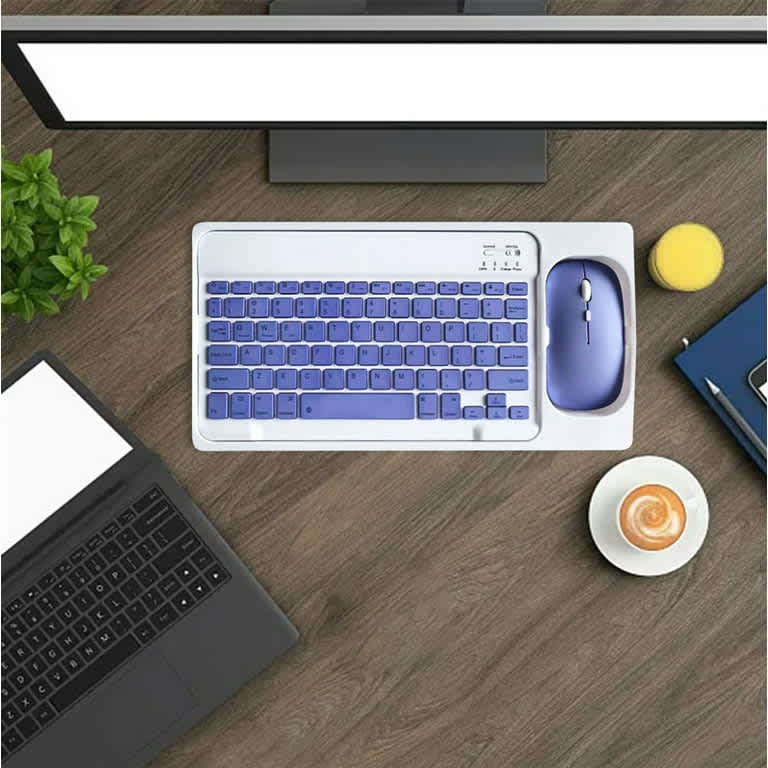
7) Wireless Keyboard and Mouse: Comfort and Efficiency
Laptops serve admirably as portable computing solutions, but their built-in keyboards and trackpads prove ergonomically problematic during extended use. Typing long papers, coding assignments, data analysis, and general computer work on laptop keyboards often causes wrist strain, neck pain, and reduced typing speed. Wireless keyboard and mouse combos transform laptops into comfortable desktop workstations, dramatically improving ergonomics and productivity for extended work sessions.
Why Separate Peripherals Matter
Laptop keyboards force awkward hand and wrist positions that increase strain during extended typing sessions. Trackpads lack the precision and speed of dedicated mice, making detailed work frustratingly slow. The hunched posture required to use built-in laptop components causes neck and shoulder tension that worsens throughout long study sessions.
External keyboards with full-size layouts, proper key spacing, and comfortable key travel enable faster, more accurate typing with reduced fatigue. Dedicated mice provide precise cursor control, programmable buttons for common functions, and ergonomic shapes that support natural hand positions. Wireless connectivity eliminates cable clutter while maintaining responsive performance for general productivity work.
Key Features for Students
Reliable 2.4GHz wireless connectivity using USB dongles provides stable connections with minimal latency, essential for responsive typing and cursor control. Battery life extending multiple months (keyboards often last 12+ months, mice 6-12 months) prevents frequent battery replacement hassles.
Full-size keyboard layouts including numeric keypads benefit students in mathematics, accounting, finance, and data-intensive fields who regularly work with numbers. Quiet keys prevent disturbing roommates or library neighbors during late-night work sessions. Also, compact designs minimize desktop space consumption in cramped dorm rooms and small study areas.
8) External Hard Drive or SSD: Secure Backup Storage
Computer crashes, corrupted files, accidental deletions, and stolen laptops represent every student’s nightmare scenarios – particularly when they occur days before major assignment deadlines. External storage drives provide essential backup protection, ensuring years of coursework, research, projects, and irreplaceable academic work remain safe regardless of laptop failures or mishaps.
Why Backups Are Non-Negotiable
Students accumulate vast quantities of irreplaceable work throughout university—years of notes, assignments, research papers, projects, presentations, and dissertation materials. A single laptop failure, virus infection, or theft can erase everything in an instant. This could destroy months or years of academic effort.
Cloud storage provides one backup layer, but university work often involves files too large for free storage tiers, and slow internet connections make large file uploads impractical. Physical external drives offer immediate, reliable backup. These require no internet connectivity and provide fast access to all your files.
9) Phone Stand or Tablet Holder: Ergonomic Device Viewing
Modern students consume tremendous educational content via phones and tablets—recorded lectures, tutorial videos, digital textbooks, research articles, and online course materials. Holding devices for extended viewing sessions causes arm fatigue and neck strain from constantly looking downward. Simple phone stands and tablet holders dramatically improve ergonomics, enabling comfortable content consumption during extended study sessions.
The Ergonomic Issue
Watching hour-long lecture recordings while holding your phone causes arm fatigue within minutes, forcing awkward positions that distract from learning content. Propping phones against books or water bottles creates unstable viewing angles that require constant readjustment. Constantly looking downward at devices resting on desks strains neck muscles, contributing to the chronic neck pain epidemic affecting students.
Adjustable stands elevate devices to eye level, maintaining neutral neck positions that prevent strain. Stable positioning eliminates distracting device wobbles and falling incidents. Hands-free viewing enables simultaneous note-taking while watching educational videos.
Stand Features and Options
Adjustable height and angle settings accommodate different desk setups and user preferences. Stable bases prevent tip-overs when tapping device screens for pausing videos or advancing slides. Meanwhile, foldable, portable designs enable transport between library, dorm, and home study locations.
Wide compatibility supporting various phone and tablet sizes provides flexibility as you upgrade devices throughout university years. Cable management channels route charging cables neatly. This prevents tangled messes and enables device charging during extended viewing sessions.
- Smart Phone Accessories and Wireless Charging: Complete Student Solutions
Modern university students manage multiple devices simultaneously—smartphones for communication, tablets for note-taking, smartwatches for fitness tracking, wireless earbuds for audio content. Unified charging solutions and smart accessories streamline device management, eliminating cable clutter and incompatible charger frustrations.
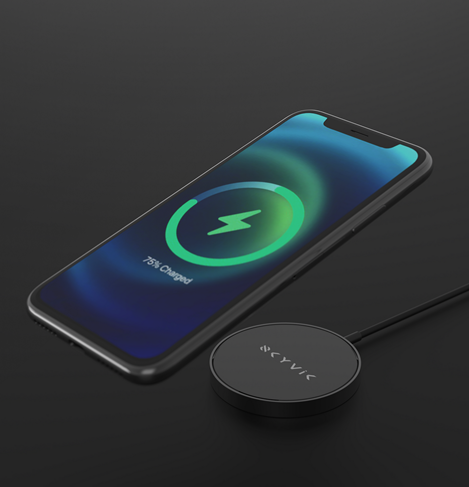
Wireless charging pads and stations provide convenient overnight charging without requiring daily cable connections, extending device lifespan by reducing wear on charging ports. Multi-device charging solutions supporting phones, tablets, and smartwatches consolidate charging into single elegant stands.
Phone stands and tablet holders enable comfortable content consumption—watching lecture recordings, reviewing tutorial videos, reading digital textbooks—without arm fatigue or neck strain from extended viewing sessions.
Wireless Charging Pricing:
- Basic single-device pads: $15-30
- Multi-device charging stations: $50-100
- Premium stands with integrated charging: $80-150
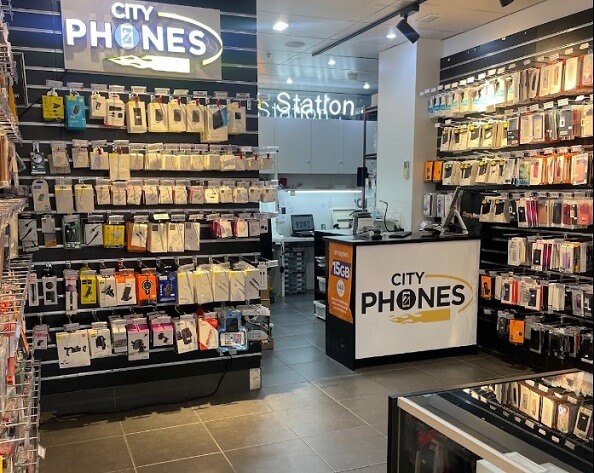
At City Phones, we are committed to supporting students with quality accessories at competitive pricing. We understand students operate on tight budgets while requiring reliable tools that won’t fail during critical academic moments. Our curated accessory selection balances affordability with quality, ensuring Melbourne’s university students access the tools they need without overpaying for unnecessary features or compromising on essential functionality.
Success at university demands more than just intelligence and hard work – it requires smart tool choices that enhance your capabilities, protect your investments, and support sustainable productivity throughout demanding academic schedules. These ten accessories provide that foundation, enabling you to focus on what matters most: learning, growing, and achieving your academic goals.
Visit City Phones Melbourne or explore cityphones.com.au to discover student-friendly accessories that combine quality, affordability, and practical functionality. Your academic success deserves the right tools – let us help you find them.


Leave a Reply