
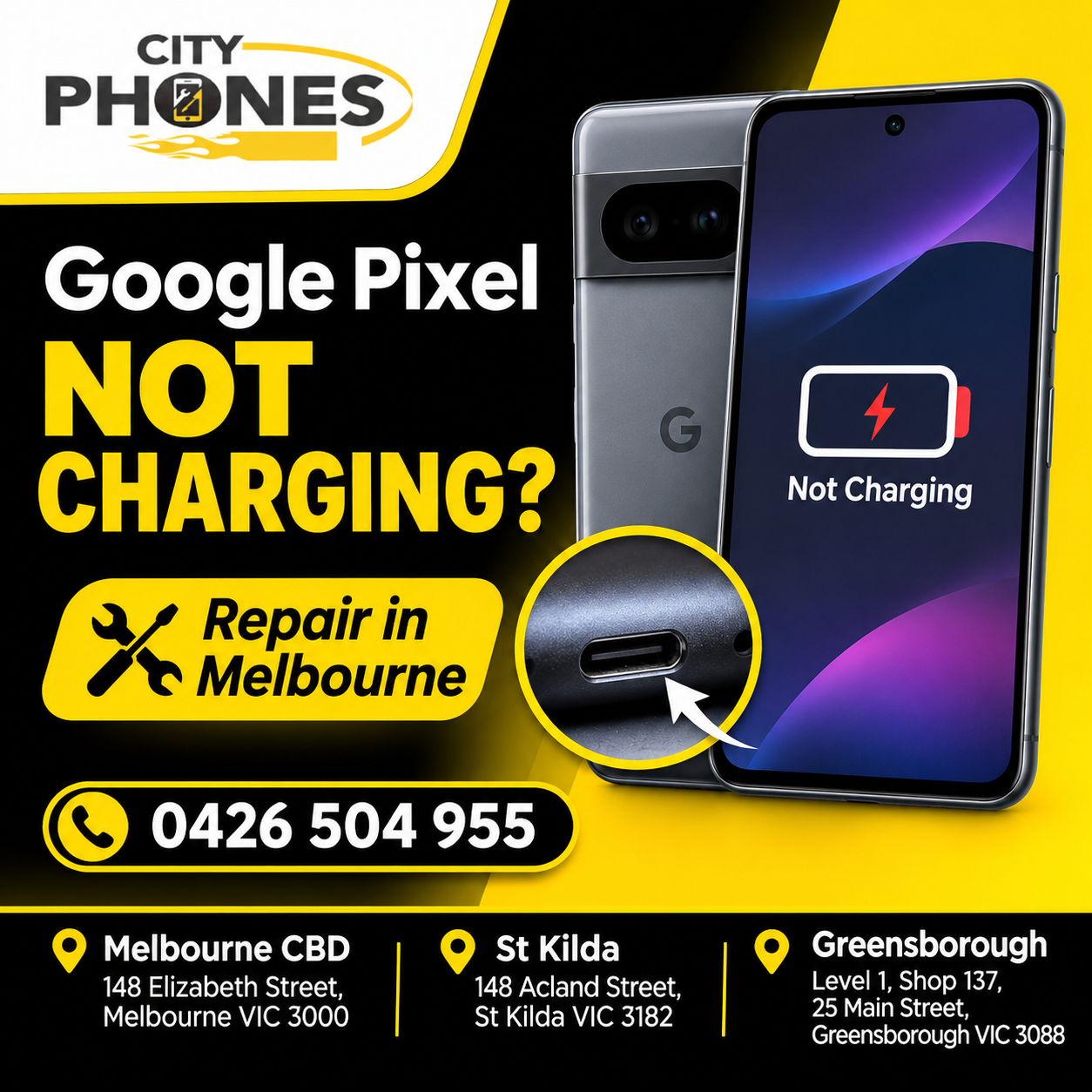
Google Pixel Not Charging? Causes, Troubleshooting and Repair in Melbourne
You plug your Google Pixel into its charger, but nothing happens. Maybe the charging icon appears and disappears, the battery percentage refuses to increase, or the phone only charges when you hold the cable at a particular angle.
Charging problems can be frustrating, especially when you rely on your phone throughout the day.
The problem is not always the battery. A faulty USB-C cable, damaged charging port, unsuitable power adapter or internal hardware issue can all prevent your Google Pixel from charging properly.
Before arranging a repair, there are a few things worth checking. Here is what could be causing the problem and when it may be time to have your phone inspected.
Why Is Your Google Pixel Not Charging?
There are several possible reasons why a Google Pixel may stop charging or take longer than usual to reach a full battery.
- A Faulty USB-C Charging Cable or Adapter
Sometimes the simplest explanation is the correct one. A charging cable can become damaged through regular bending, pulling or everyday use. The power adapter can also develop a fault.
Before assuming something is wrong with your phone, try another USB-C cable and a compatible power adapter that you know are working.
Also, check whether the same charger can charge another device. If it cannot, the problem may be with the charging accessories rather than your Pixel.
- Dust or Debris Inside the Charging Port
The USB-C port is exposed every time you connect your charging cable. Over time, dust, pocket lint and other debris can collect inside the opening.
This can prevent the cable from connecting properly, resulting in intermittent charging or no charging at all.
You might notice that the cable does not sit firmly in the port or that charging starts and stops when the phone moves.
Check the port carefully under good lighting. Avoid using pins, needles, metal objects or liquids to clean it. If debris is lodged inside, have it removed safely.
- A Damaged or Loose Charging Port
If your Google Pixel only charges when the cable is tilted or held in a particular position, the charging port may be damaged or worn.
This can happen through repeated plugging and unplugging, accidental pulling of the cable or physical damage.
Common signs include:
- The charging cable feels loose when connected.
- Charging starts and stops unexpectedly.
- The phone does not recognise certain charging cables.
- You have to adjust the cable to make charging work.
- The phone no longer charges through its USB-C port.
In these situations, replacing the cable may not solve the problem. The charging port may need professional inspection.
- Your Google Pixel Is Getting Too Hot
Google Pixel phones manage charging based on temperature. When the phone becomes too warm, charging may slow down or temporarily pause to protect the battery.
This can happen when you use demanding applications while charging, leave the phone in direct sunlight or charge it in a hot environment.
Try disconnecting the charger, closing demanding apps and allowing the phone to cool naturally before charging it again.
Avoid placing a hot phone in a refrigerator or using other rapid cooling methods.
- An Ageing or Faulty Battery
A charging problem does not always originate from the charging port.
As a rechargeable battery gets older, its performance can decline. A worn or faulty battery may cause charging difficulties, unexpected shutdowns or unusually short battery life.
If your Pixel has been used for several years and has recently developed charging problems, a battery inspection may be worthwhile.
A technician can help determine whether the battery, charging port or another internal component is responsible.
- A Software or Temporary System Issue
Occasionally, a temporary software problem can affect charging behaviour.
If your Google Pixel recognises the charger but the battery percentage does not appear to increase, try restarting the phone and checking for available Android updates.
A software issue is more likely when the charging problem started after an update or when other functions are behaving unusually.
However, persistent charging problems should not automatically be treated as a software issue.
Google Pixel Not Charging? Try These Troubleshooting Steps
Before booking a repair, work through the following checks.
Step 1: Check the Charging Cable and Power Adapter
Try another compatible USB-C cable and power adapter.
Make sure the adapter is suitable for your particular Pixel model. Charging speeds and supported power standards differ between devices, so a higher-wattage charger does not automatically mean faster charging.
Google recommends compatible USB Power Delivery and Programmable Power Supply chargers for supported Pixel devices.
Step 2: Inspect the USB-C Charging Port
Look inside the charging port and check for visible dust or debris.
Check whether the charging cable connects securely. If the port looks damaged or something is lodged inside, avoid forcing the cable into it.
A professional inspection is safer than attempting to remove compacted debris with sharp tools.
Step 3: Try a Different Power Outlet
A faulty wall socket or power board can also cause charging problems.
Connect your charger directly to another working wall outlet and see whether the phone begins charging.
This simple check can help rule out an external power problem.
Step 4: Restart Your Google Pixel
Restarting the phone can help resolve temporary system issues.
After restarting, connect it to a compatible charger and check whether the charging indicator appears.
If the battery is completely drained, Google notes that a Pixel may take up to 25 minutes to show a charging icon or other response when connected to power.
Step 5: Check Wireless Charging Compatibility
If your Pixel model supports wireless charging, try a compatible wireless charger.
If wireless charging works but wired charging does not, the USB-C port or wired charging connection may need further investigation.
Remember that wireless charging availability and charger compatibility vary by Pixel model.
Step 6: Check for Charging Warnings
Does your phone display a message such as “Check charging accessory”?
This can indicate that the cable or power adapter is damaged or unsupported.
Try a compatible charging accessory and see whether the warning disappears.
For Google’s official instructions, visit Fix a Pixel phone that won’t charge or turn on.
When Does Your Google Pixel Need Charging Port Repair?
If you have tried different cables, adapters and power outlets but the phone still will not charge, it may need a closer inspection.
You should consider professional repair if:
- The charging cable repeatedly disconnects from the phone.
- Your Pixel only charges when the cable is held at a certain angle.
- The phone does not recognise multiple compatible chargers.
- The charging port appears damaged.
- Charging repeatedly stops even when using a working power adapter.
- The phone remains unresponsive after the recommended charging checks.
A technician can inspect the USB-C port, battery and relevant internal charging components to identify the actual cause.
This is important because replacing the charging port will not necessarily fix a problem caused by the battery or another internal component.
Important: If you notice a swollen battery, unusual heat, liquid damage or physical deformation around the phone, stop charging and arrange a professional assessment.
Google Pixel Charging Port Repair in Melbourne
If your Google Pixel is not charging properly, CityPhones can help identify the cause and discuss the available repair options.
Our technicians work with Google Pixel devices and provide repair services for issues including:
- Google Pixel charging port faults
- Battery replacement
- Screen and display damage
- Back glass damage
- Microphone and speaker problems
CityPhones has three Melbourne locations:
Melbourne CBD | St Kilda | Greensborough
The repair required depends on the Pixel model and the condition of the device. We recommend confirming parts availability, repair costs and booking arrangements before visiting.
Visit our Google Pixel repair page to explore available services, or contact CityPhones to discuss your charging issue.
Frequently Asked Questions
Why is my Google Pixel not charging even with a new cable?
If a new cable does not solve the problem, check the power adapter and wall outlet. The charging port, battery or an internal charging component may also be responsible.
Why does my Google Pixel only charge when the cable is held at an angle?
This can indicate a loose, worn or damaged USB-C charging port. Avoid repeatedly adjusting or forcing the cable, as this could make the damage worse.
Why is my Google Pixel charging so slowly?
Slow charging can be caused by an unsuitable power adapter, damaged cable, high device temperature or normal battery management. Check your charging accessories and allow the phone to cool before trying again.
Can a Google Pixel charging port be replaced?
Yes, charging port repair or replacement may be possible depending on the model and the condition of the device. A technician should inspect the phone to confirm the appropriate repair.
How much does Google Pixel charging port repair cost in Melbourne?
The price depends on the Google Pixel model and the parts required. Contact CityPhones with your model details to confirm the current repair price and availability.
Final Thoughts
When your Google Pixel stops charging, changing the battery or buying a new phone is not necessarily the first solution.
Start by checking your cable, adapter, power outlet and USB-C port. If the problem continues, the charging port, battery or another internal component may require attention.
Getting the phone properly diagnosed can help you avoid unnecessary replacements and choose the right repair.
Having trouble charging your Google Pixel? Contact CityPhones in Melbourne CBD, St Kilda or Greensborough to discuss your repair options.



Leave a Reply