
Data Recovery from Damaged Phones: A Professional Guide by City Phones
When your smartphone suffers damage from a cracked screen, water exposure, or a bad fall, you don’t just worry about the device. You worry about losing irreplaceable images, contacts, messages, and documents stored inside. At City Phones, we know that your phone isn’t just a piece of technology; it’s a digital vault that holds your most important memories and information. This guide shows how to recover data from broken phones. It also teaches prevention and debunks common myths.
Phone Cases: Your Device's First Line of Defense
Understanding Why Data Loss Occurs
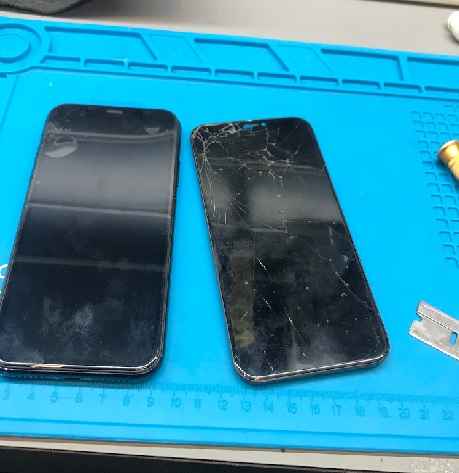
Phones lose data for many reasons. Each cause needs a different recovery approach. Drops are the top culprit. They make screens crack, damage internal parts, and stop the touch input from working. Australians file millions of screen repair requests every year. Using a cracked phone can worsen internal damage and corrupt your data.
Liquid damage is especially difficult. Water can short-circuit parts and speed up corrosion within minutes. Salt water causes faster decay. If your phone gets wet, power it off, remove SIM and memory cards, and seek repair fast. Data recovery experts recommend acting within 24–48 hours for the best chance of success.
Comprehensive Strategies for Preventing Data Loss
Prevention remains the most effective strategy for protecting your mobile data. While recovery services can work miracles, implementing robust preventive measures ensures you’ll never face the heartbreak of permanent data loss.

Implement a Multi-Layered Backup Strategy Regular and comprehensive backups are essential for establishing a solid foundation in data protection. Contemporary smartphones provide various backup solutions, and the most secure strategy integrates multiple methods to ensure optimal protection. Cloud-based backups via services such as Google Drive for Android users, which offers 15GB of free storage, and iCloud for iPhone users, providing 5GB of free storage, ensure automatic synchronization that consistently safeguards your data without the need for manual intervention.
These services back up your photos, contacts, messages, and settings, messages, and device settings, enabling access to your information from any device using your account credentials. Local backups to computers or external hard drives provide additional protection with unique benefits. In contrast to cloud storage, local backups do not depend on internet connectivity, offer quicker backup and restore times, and allow for total control over your data without ongoing storage costs. Hybrid backup strategies that integrate both cloud and local methods offer optimal protection, guaranteeing that if one backup approach fails, you retain an additional copy of your critical data.
Set up your devices for automatic backups by connecting to Wi-Fi and ensuring your phone is charged overnight. Android users are advised to access Settings > Google > Backup to enable automatic backups. In contrast, iPhone users can activate iCloud Backup by navigating to Settings > [Your Name] > iCloud > iCloud Backup. Many services automatically generate backups when the device is connected to Wi-Fi, charging, and remains idle for a certain duration, providing ongoing protection without requiring user action.
Dispelling Myths About Data Recovery
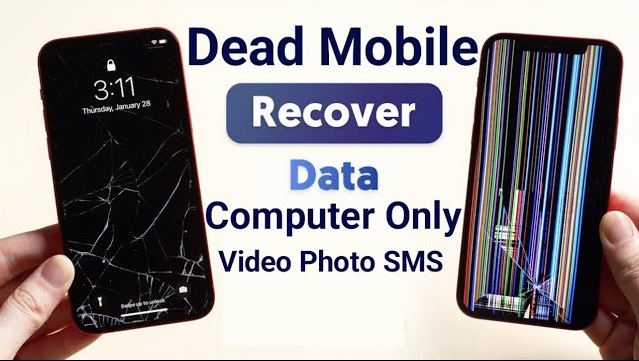
Misconceptions about data recovery can cause mistakes that cost a lot of money and cause data to be lost forever. Knowing the facts about mobile data recovery can help you make smart choices when bad things happen.
Myth 1: Software Alone Isn’t Enough
Many smartphone users believe that downloadable data recovery apps can solve any data loss problem. While software-based recovery tools prove effective for certain scenarios—such as accidental file deletion or minor logical corruption—they have significant limitations.
Recovery software performs best when your phone still works, its storage system hasn’t been physically damaged, and files haven’t been overwritten by new data.
The Reality: Hardware damage, serious water damage, and encryption difficulties cannot be repaired by software. Software cannot access the phone’s storage if it won’t turn on, has a faulty motherboard, or has liquid damage.
Advanced cellphones with full-device encryption make it difficult for ordinary recovery applications to unlock data without login credentials.
Misused recovery software is equally dangerous. Installing recovery software directly on the device can overwrite the files you’re trying to restore. Free recovery software frequently has limited data recovery or lacks advanced features for complex situations.
Professional services with specialized equipment and clean-room facilities can achieve over 90% success rates for physically damaged devices or important data.
Myth 2: Recovery Isn’t Always Expensive
The perception that professional data recovery services cost thousands of dollars deters many people from seeking expert help, leading them to attempt DIY solutions that may worsen the situation or result in permanent data loss.
The Reality: Data recovery costs vary significantly based on the type and severity of damage.
Simple logical recovery from functioning devices—such as retrieving accidentally deleted files—can be quite affordable, often ranging from modest service fees for straightforward cases.
Many reputable recovery services, including professional labs across Australia, offer free diagnostic assessments and “no data, no fee” policies, meaning you only pay if the recovery succeeds.
Professional services price their offerings based on complexity. Software-based logical recovery for devices with minor issues typically costs less than physical recovery requiring component-level repairs or chip-off techniques for severely damaged devices.
However, when compared to the value of irreplaceable family photos, critical business documents, or years of important messages, professional recovery services represent a worthwhile investment.
Furthermore, attempting DIY recovery on severely damaged devices often exacerbates the problem, ultimately making professional recovery more difficult and expensive—or even impossible.
Myth 3: Deleted Doesn’t Mean Gone
Deleting files or a factory reset doesn’t always erase data permanently.
Deletion removes pointers and marks files for overwrite.
Until overwritten, recoverable data often remains on the device for a while.
Myth 4: Skip the Rice Trick
Rice doesn’t fix water-damaged devices.
Water causes internal corrosion in seconds, and drying alone won’t stop damage.
Power off, remove cards, and seek professional help within 24–48 hours instead.
Myth 5: Screen Repairs Don’t Erase Data
Replacing a screen doesn’t touch your data, which lives on the motherboard.
Risk comes from improper repair or unseen internal issues.
Back up data before repairs, just in case.
When Professional Data Recovery Is Essential
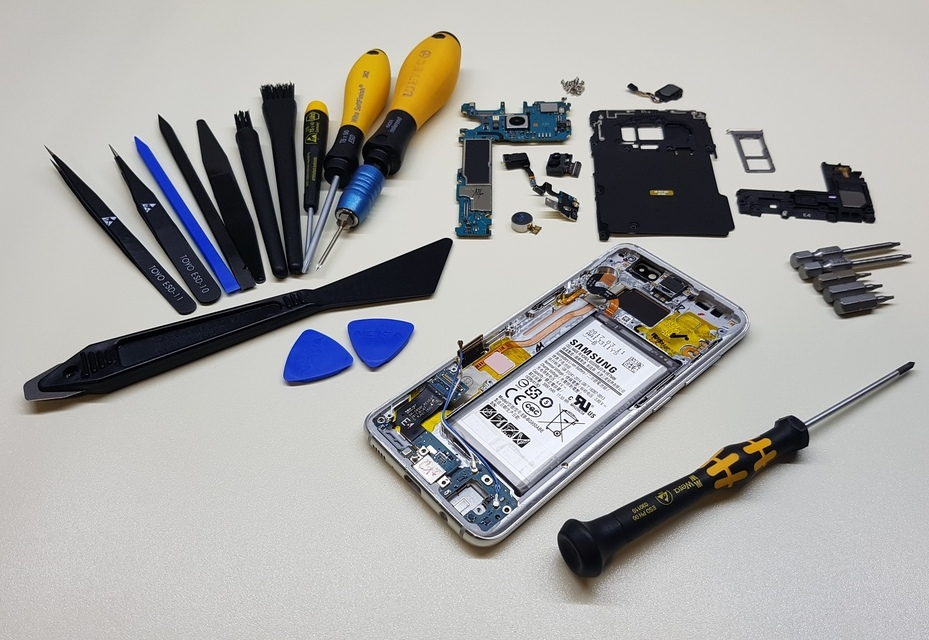
Seek experts for phones with severe impact, failure to power on, or internal breakdown. Labs have the tools to disassemble phones safely and can often access storage directly.
Physical Damage Scenarios
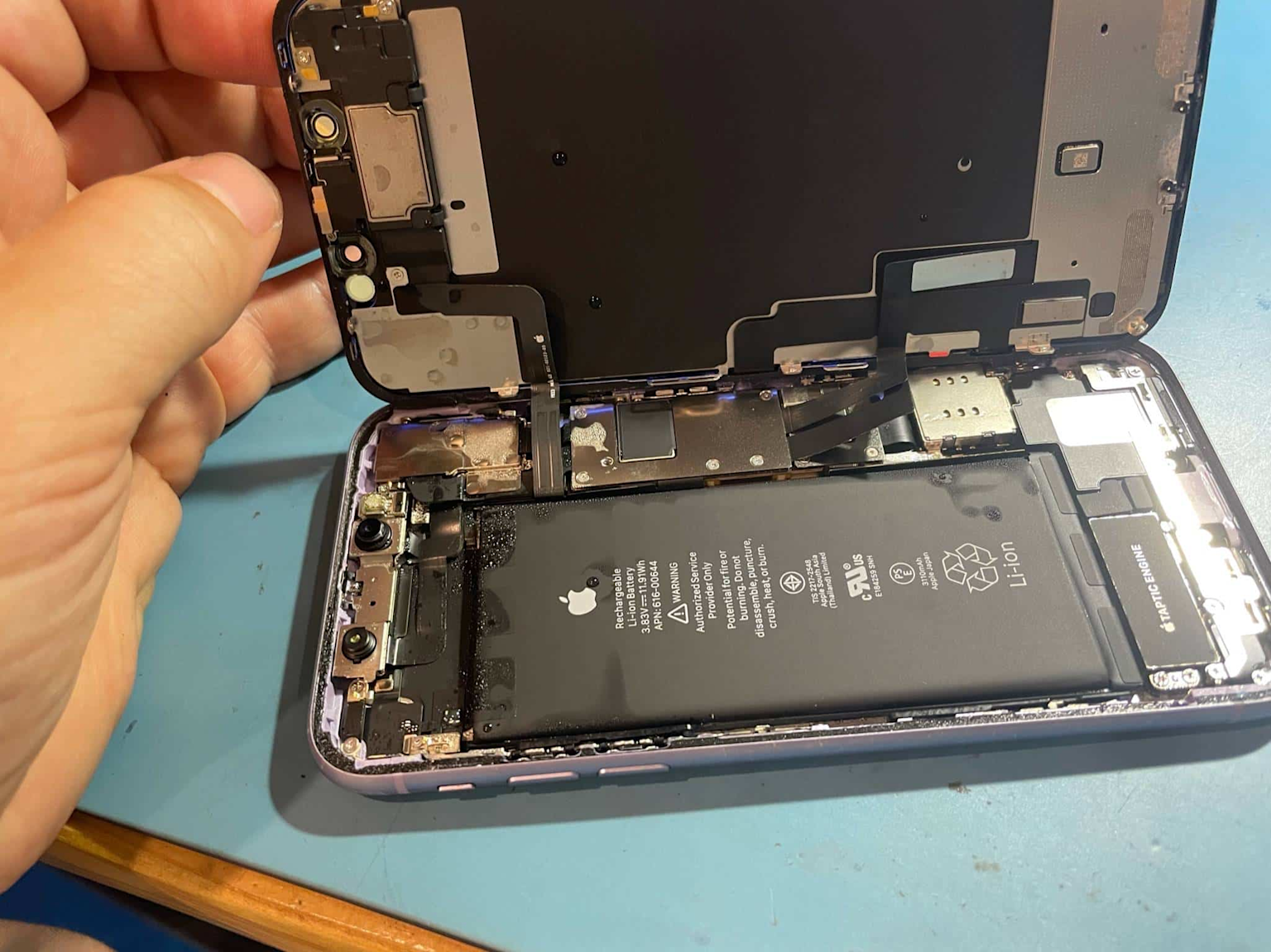
Phones that are physically damaged need professional repair. Devices with severe impact damage, won’t power on, or show internal component breakdown need expert evaluation. Professionals have specialized equipment and clean-room facilities to securely disassemble damaged devices and access storage components..
Advanced Recovery Techniques
Specialists use methods unavailable to regular users.
Chip-off procedures physically remove and read storage chips.
JTAG accesses data via device test ports.
These require advanced tools and knowledge of device encryption and memory structure.
Results depend on damage, but professional labs often achieve high recovery rates in complex cases.
The City Phones Advantage
At City Phones, our certified specialists combine technical expertise, care, and advanced equipment to maximize data recovery. Whether you have a cracked screen, water damage, or device failure, expert help is just a call away.



Leave a Reply